StudentKeeper classroom management software
Live screen monitoring, AI teaching tools and student safeguarding in one platform. Developed by Ativion and built on ContentKeeper™ web filtering, for Chromebook, Windows, Mac and iPad.
Get a QuoteStudentKeeper and ContentKeeper are developed by Ativion (Impero Solutions Ltd. trading as Ativion). Codework is an authorized Ativion reseller and partner.
How StudentKeeper supports every role in your school
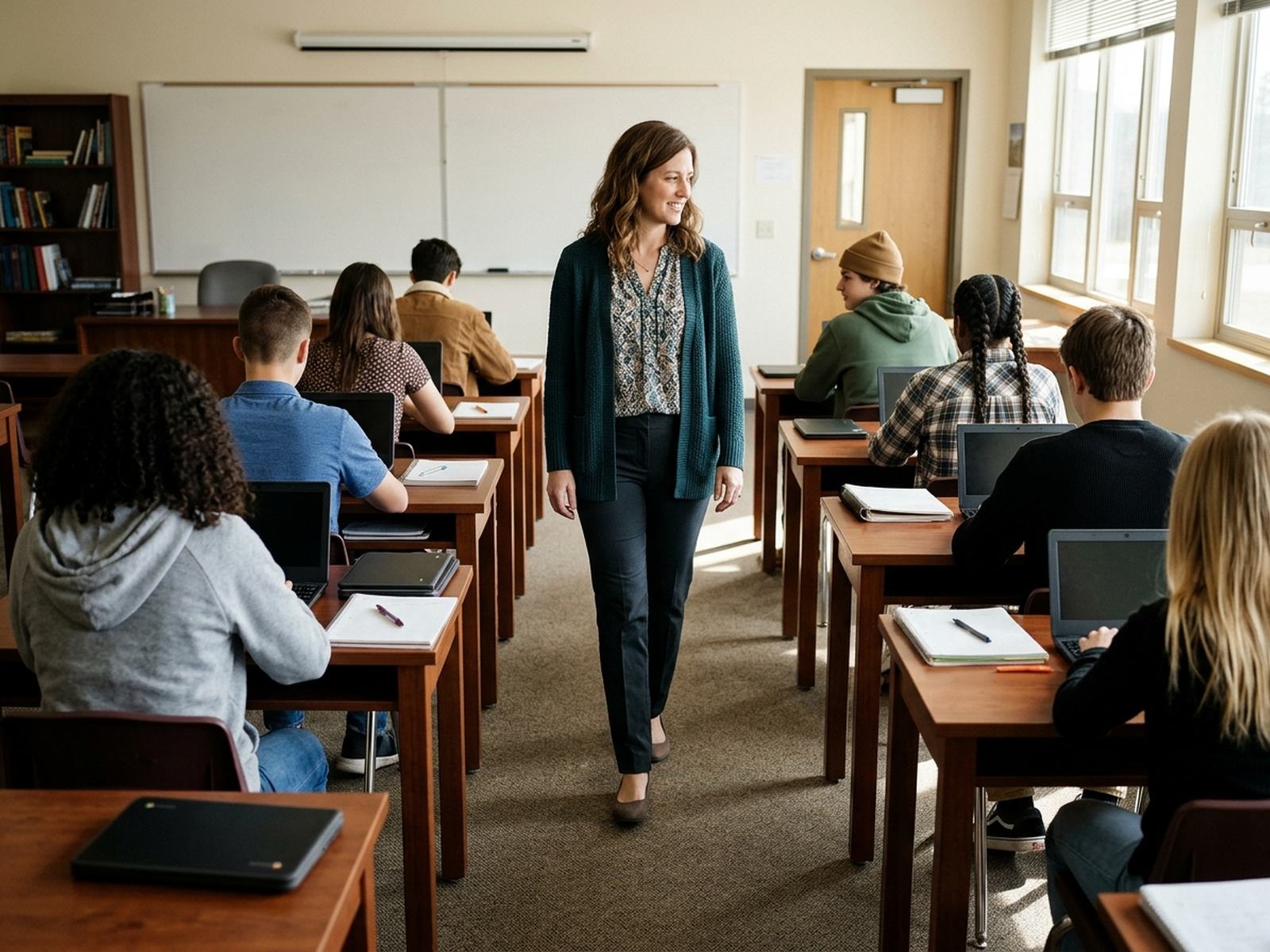
Keep every student focused. Empowered.
See live thumbnails of every screen, lock devices, send the class to one URL and approve educational YouTube playlists on the spot. Combine or rename classes without breaking roster syncs.
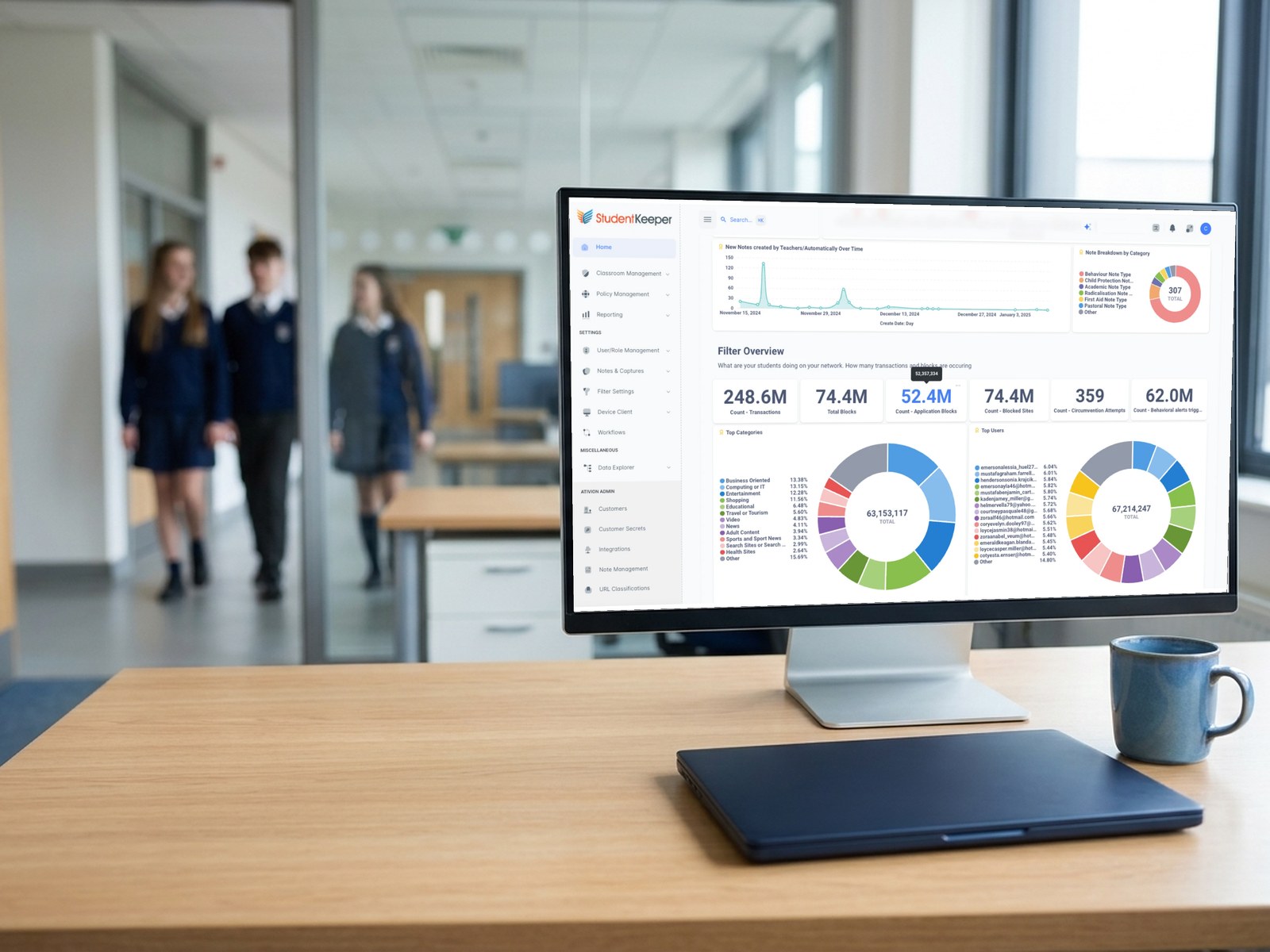
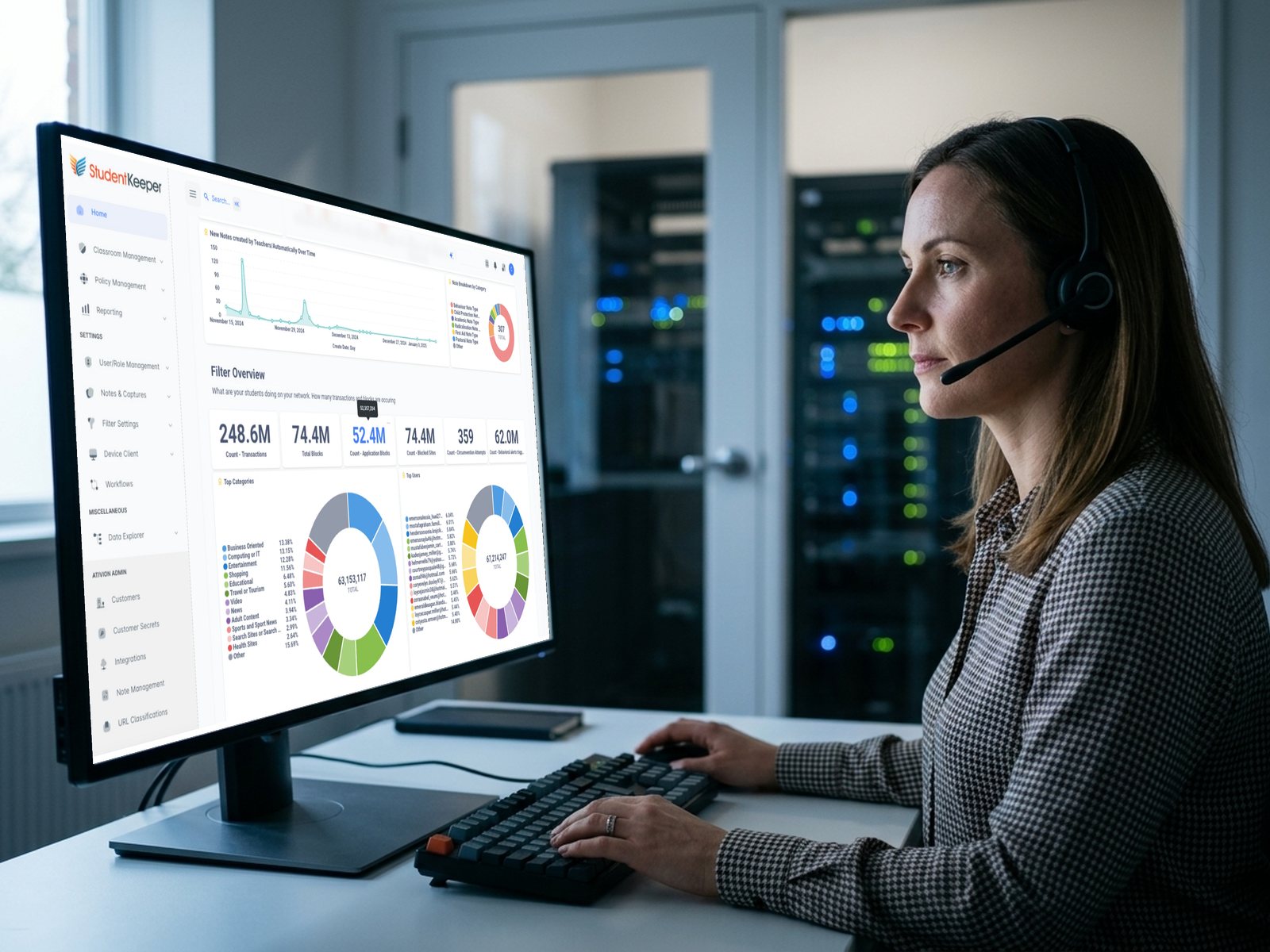
One console for filtering, classroom and safety. Unified.
Replace separate tools and logins with one console. Clients for Windows, macOS, iOS and ChromeOS identify users without prompts, and ContentKeeper with App Defender blocks unauthorized apps and bypasses.
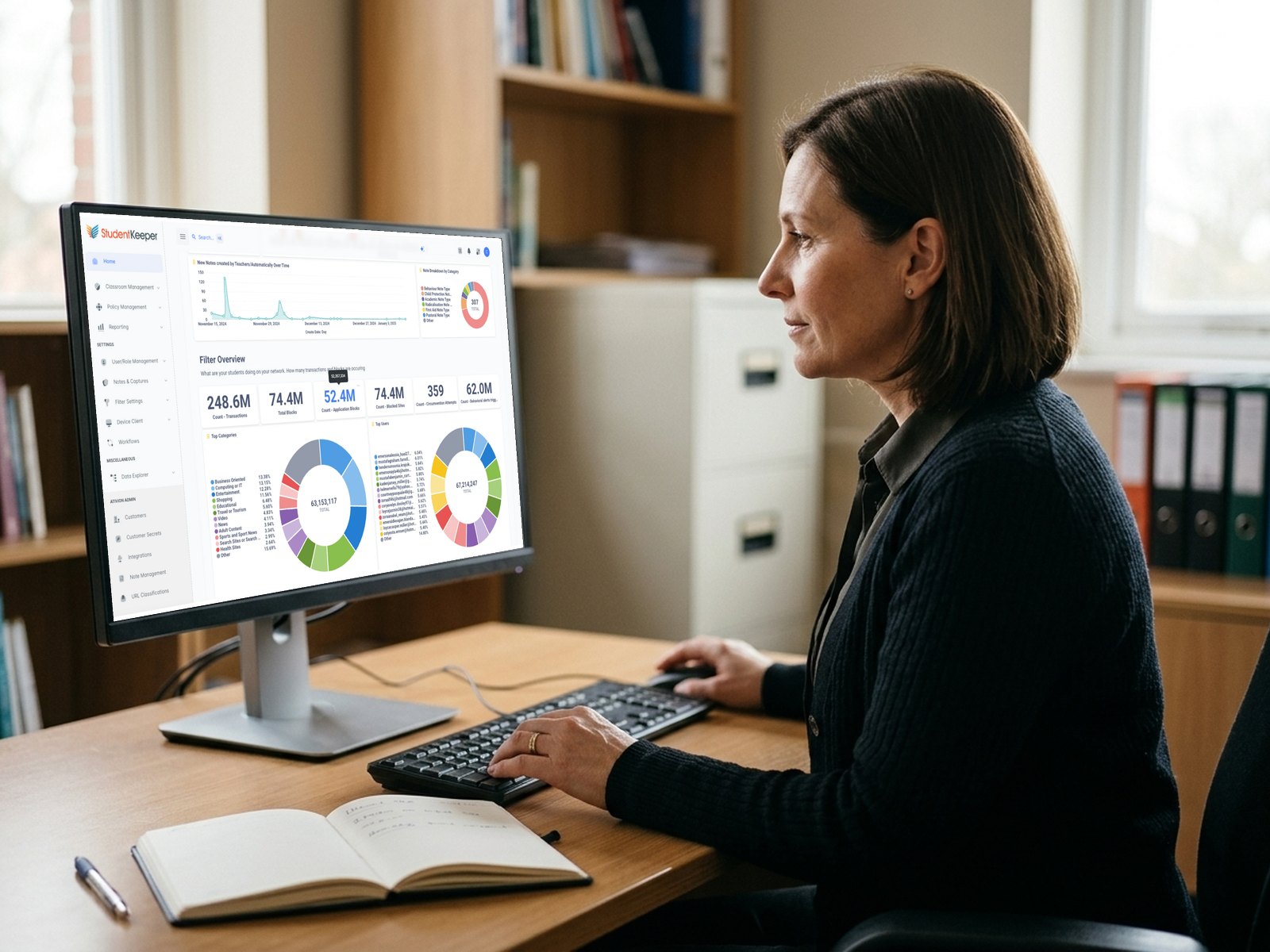
Spot real risks faster, with less noise. Protected.
Machine learning from Ativion sorts activity by severity and student, strips out background noise and lets leads clear false positives in one click. OCR and AI prompt capture add the full context.
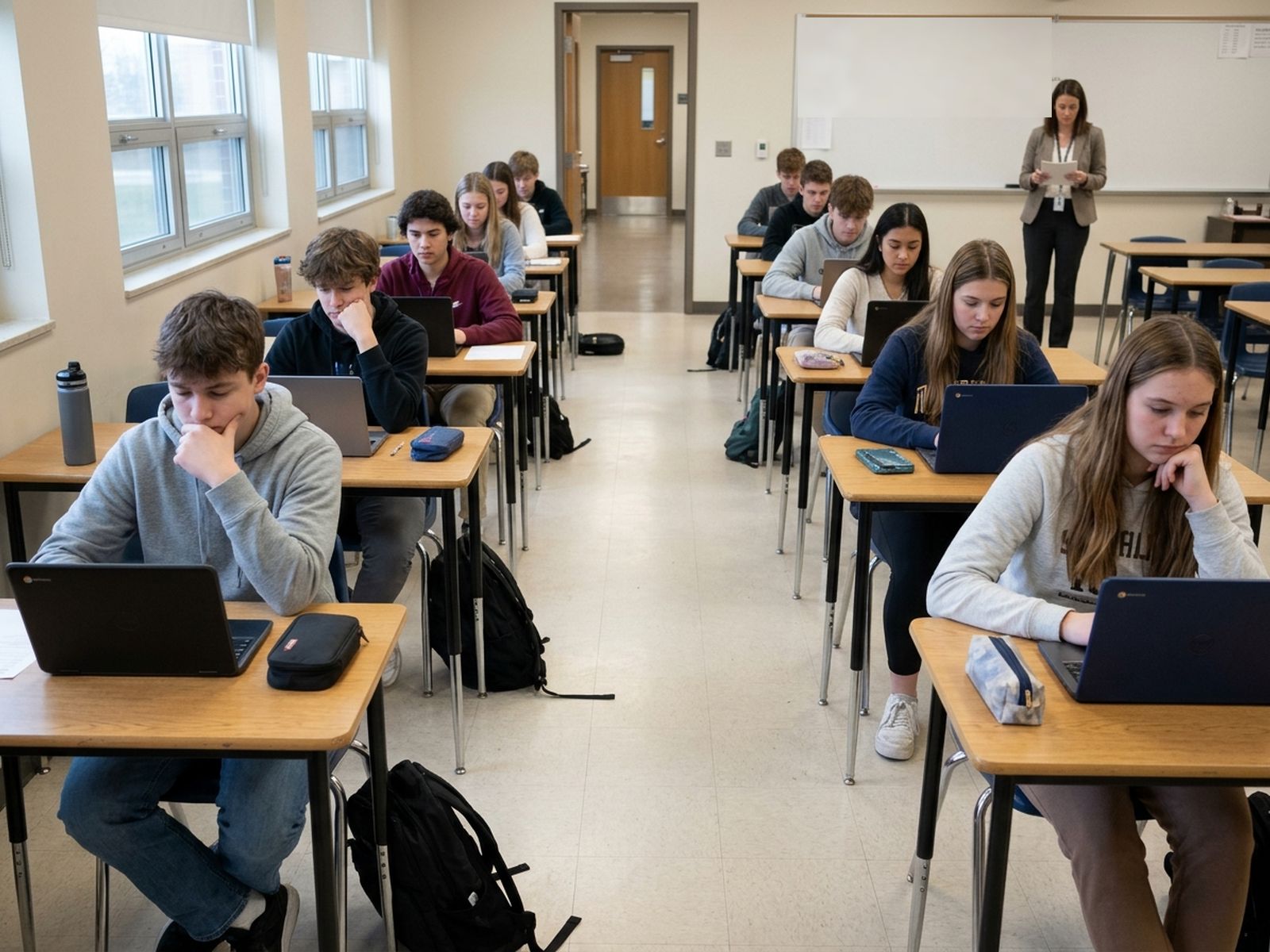
Protect academic integrity in every test. Verified.
Set a trigger word, such as calculator in a math test, to capture the screen and notify the teacher. Session whitelists, blacklists and usage reports keep a factual record.
One platform instead of three contracts. Streamlined.
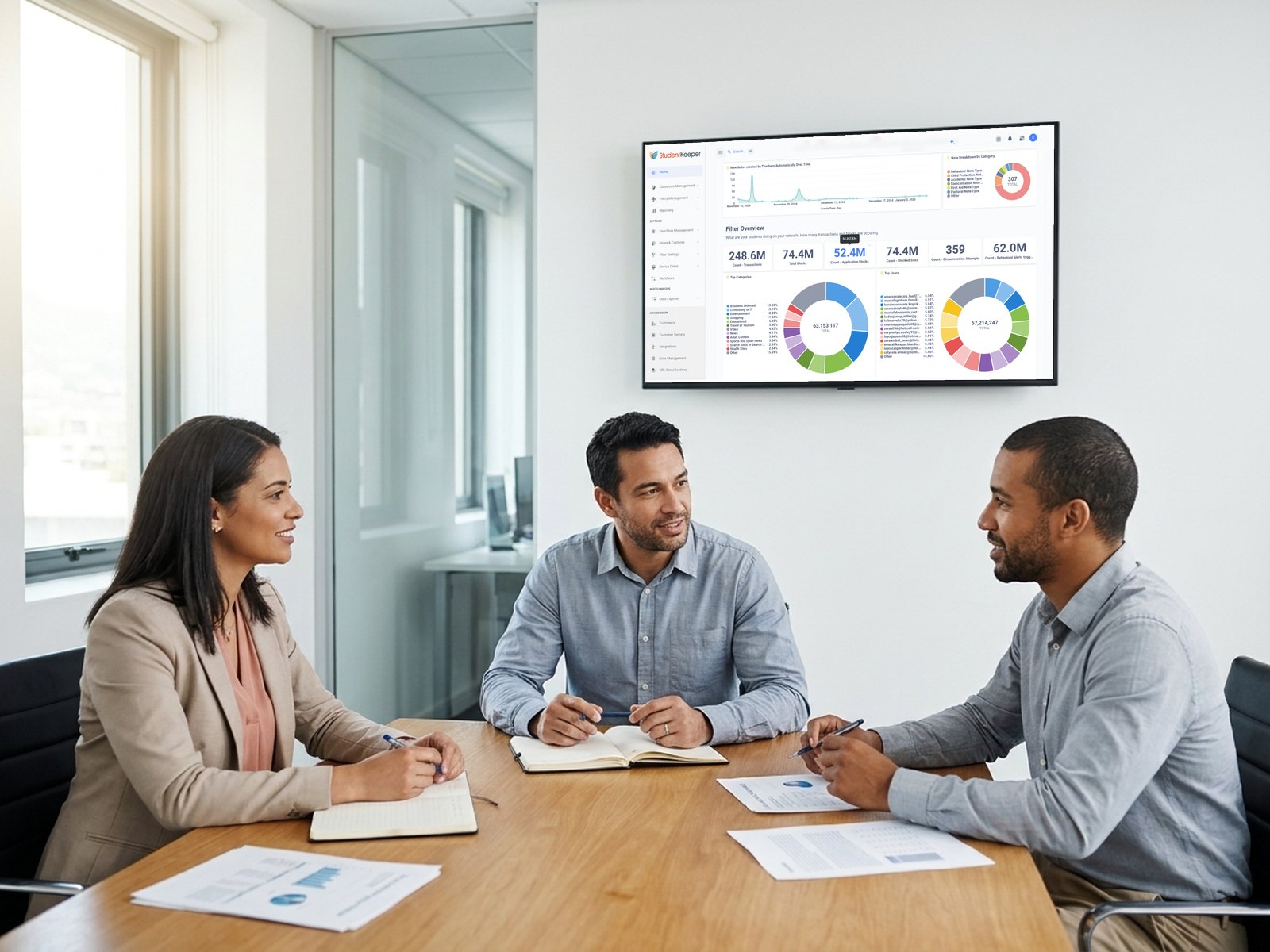
Bring filtering, classroom management and safeguarding together, with dashboards by trust, school or user. Codework can host a live demo sandbox and coordinate a proof-of-concept trial.
Why schools switch to StudentKeeper
The everyday frustrations schools face, and how StudentKeeper answers them.
Stay ahead of proxies and VPNs
ContentKeeper from Ativion detects bypass attempts in real time, and App Defender blocks unauthorized apps and VPNs.
Rosters teachers can edit
Dynamic Parent Groups let teachers combine, rename and add classes without breaking syncs.
Fewer false alarms
The Noise Reduction Engine from Ativion filters background traffic, and one click clears false positives in bulk.
Lessons that keep moving
Dynamic Safe Listing allows embedded educational videos, and teachers can approve whole YouTube playlists.
Visibility into AI in class
StudentKeeper captures AI prompts and responses, and ContentKeeper can blur inappropriate AI-generated images.
A cloud path beyond lab tools
StudentKeeper from Ativion brings multi-OS classroom control and filtering together, in the cloud, hybrid or on-premise.
Real-time classroom control built around how teachers teach
Keep students on task across Chromebooks, Windows, macOS and iPads, without roster rigidity or video-blocking delays.
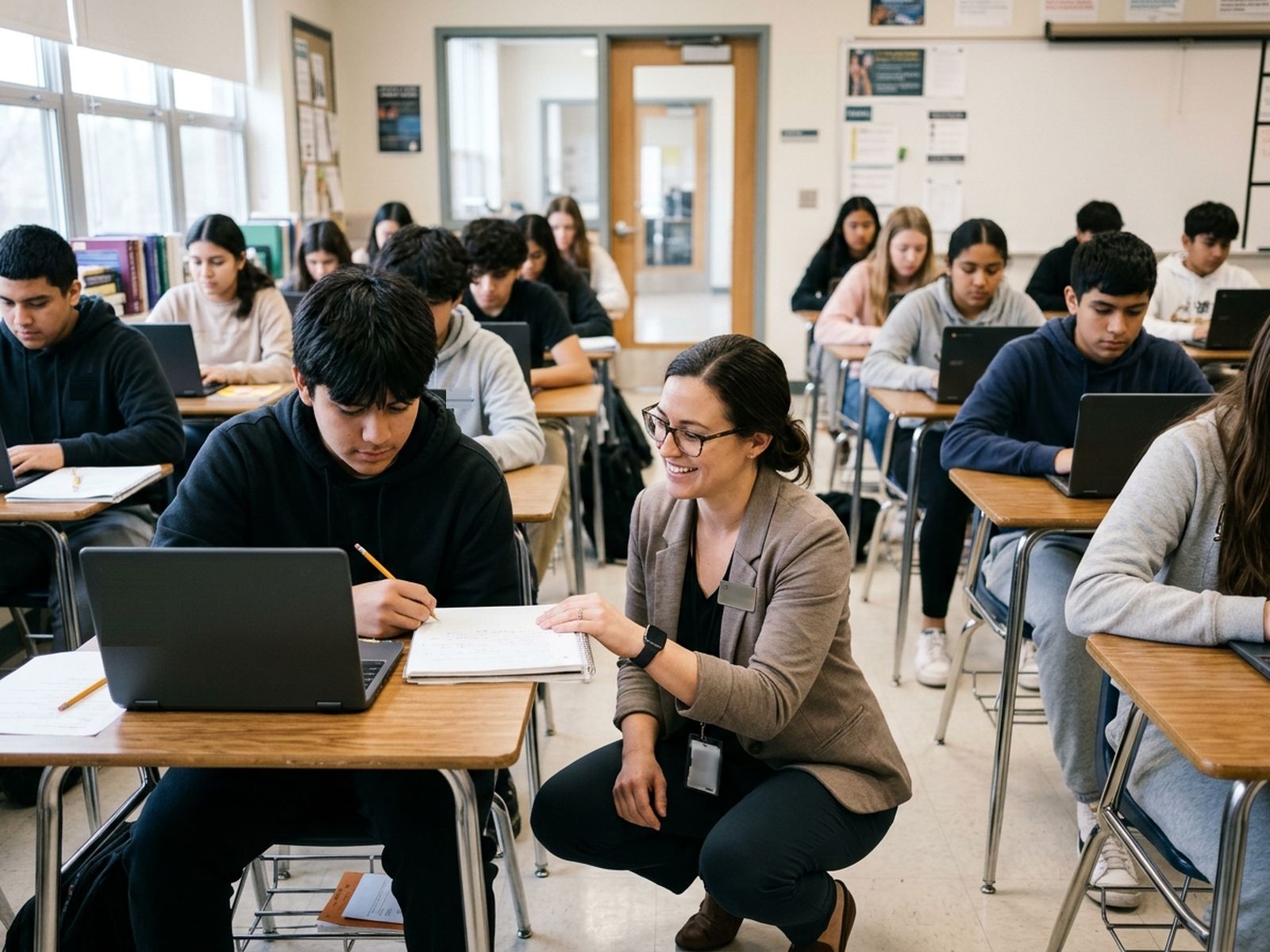
- Live monitoring and session controls: resizable thumbnails, internet on or off, lock screens or redirect the room
- Dynamic Parent Groups: combine or rename classes, or use Create Class for a temporary group
- ARIA (Academic Resource and Intelligent Assistant): Attentiveness Scoring with gentle refocus prompts
- Session Trigger Captures and PBIs: capture notes around keywords and track positive behavior
Hybrid web filtering that speeds up networks and stops bypasses
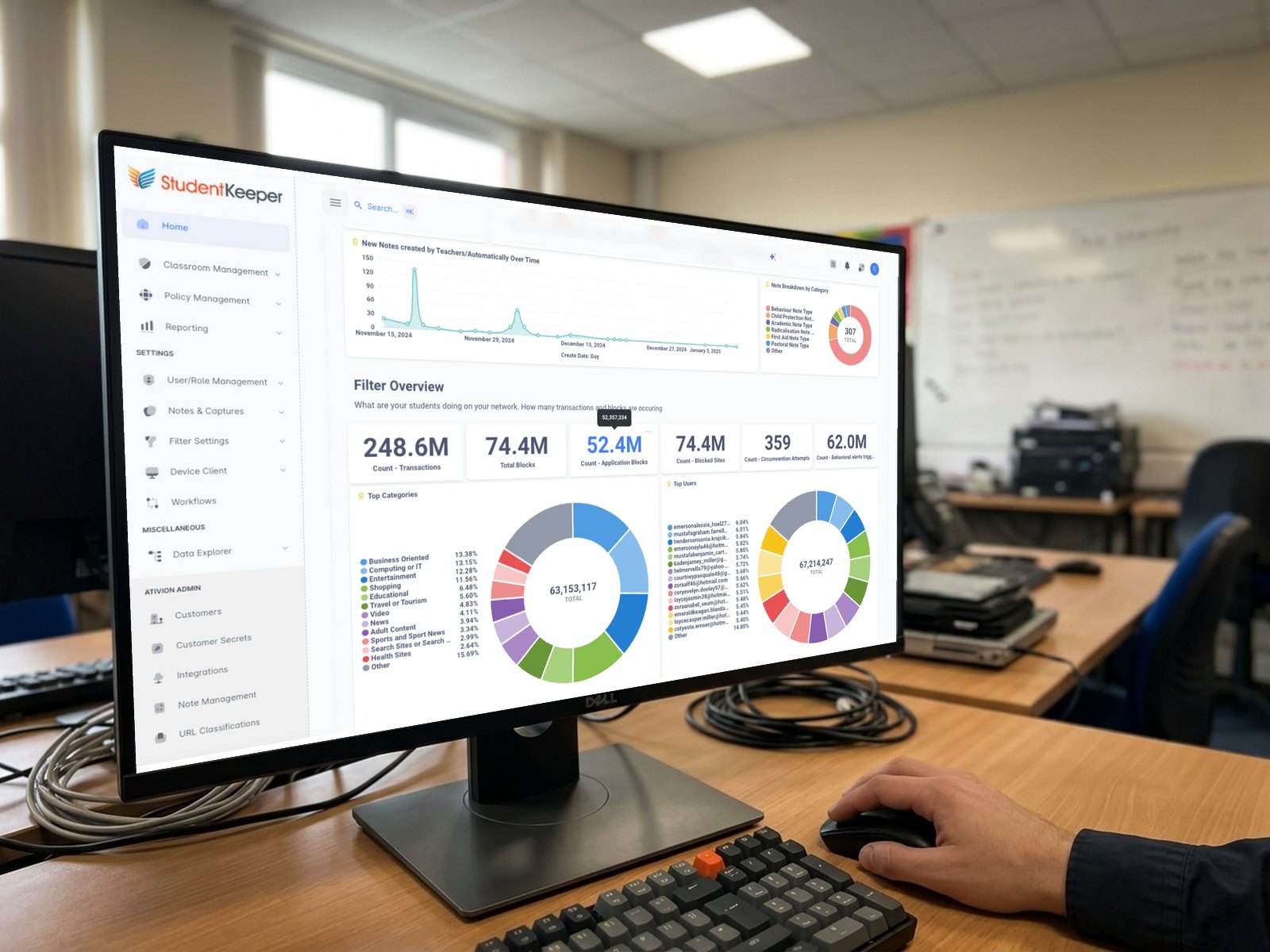
ContentKeeper from Ativion applies one policy across browsers and devices, managed from a single console.
- Dynamic Full-Cloud Filtering: offloads managed-device inspection to the cloud for faster throughput
- Zero-prompt identification: Windows, macOS, iOS and ChromeOS clients for accurate reporting
- Granular control and Dynamic Safe Listing: block YouTube Shorts and comments, allow embedded educational video
- Circumvention prevention: App Defender, SSL inspection and real-time proxy detection
What powers the filtering
Twelve ContentKeeper features, grouped by what they do for your school.
Machine-learning safeguarding with full AI and audit visibility
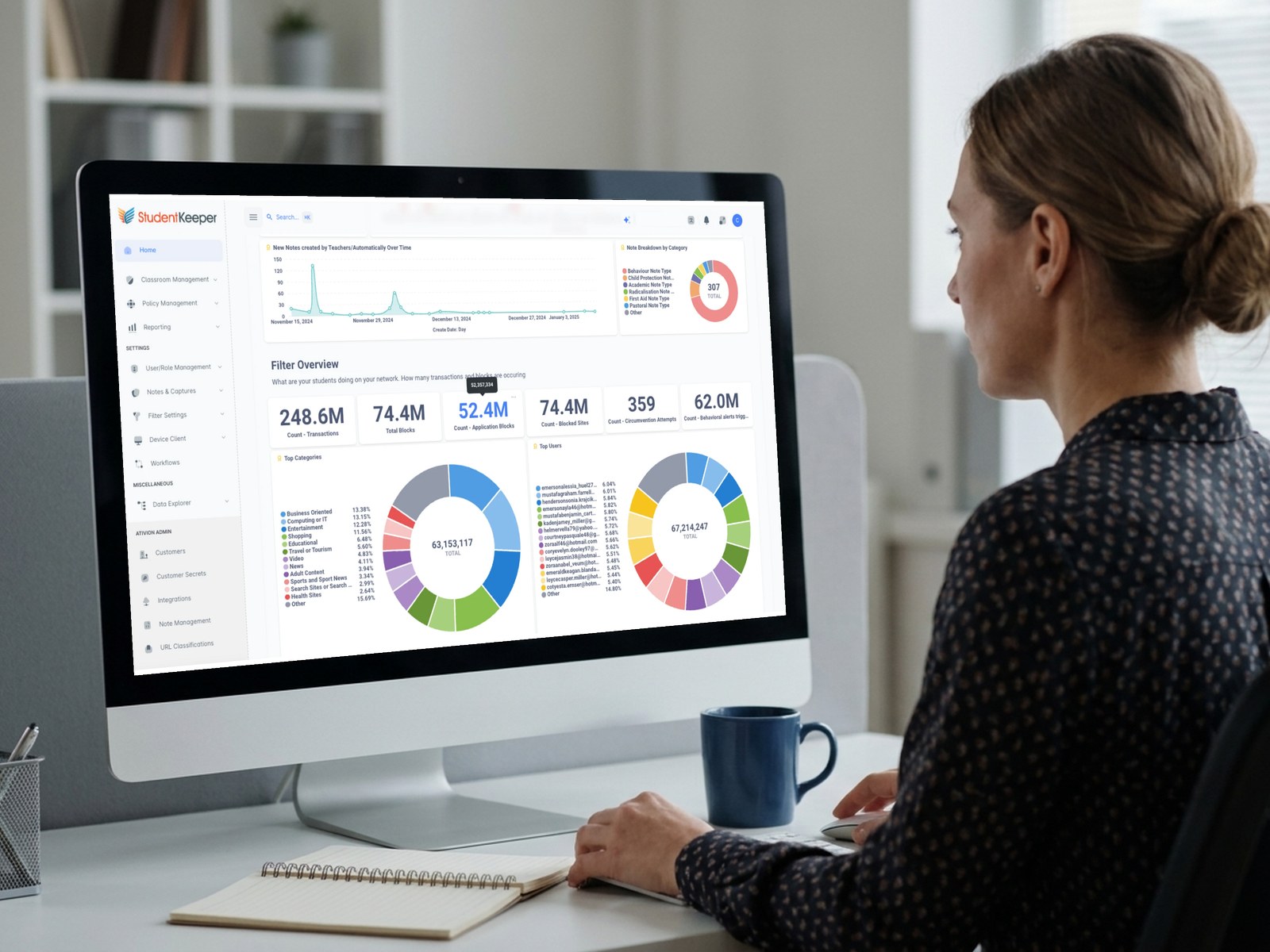
Help safeguarding leads spot concerns early, with clear context and far less alert fatigue.
- ML severity sorting and bulk triage: rolling 24-hour captures by severity and student, with one-click Remove False Positives
- AI prompt and response capture: plus automatic blurring of inappropriate AI-generated images
- OCR detection and noise reduction: scan on-screen text and strip CDN and system telemetry
- Change history and shared iPads: every rule change is logged for audits, with CSV-provisioned iOS Device Groups
Built to fit your directory, devices and security framework
Provision users, filter the web and support every device from one platform.
Frequently asked questions about StudentKeeper and ContentKeeper
What is StudentKeeper?
StudentKeeper is a classroom management, student wellbeing and safeguarding platform developed by Ativion and built on ContentKeeper web filtering. Teachers can monitor screens, manage distractions and use the ARIA assistant on Chromebook, Windows, macOS and iPad.
How do StudentKeeper and ContentKeeper work together?
ContentKeeper is the Ativion web filter, with SSL inspection, proxy bypass detection and App Defender. StudentKeeper adds classroom controls, ARIA and safeguarding triage on top in one console. Schools can license either product alone or both together.
Who develops StudentKeeper?
StudentKeeper and ContentKeeper are developed by Ativion (Impero Solutions Ltd. trading as Ativion), which brings together the classroom management and safeguarding heritage of Impero with the web filtering of ContentKeeper.
How much does StudentKeeper cost?
Pricing depends on your school or district and the StudentKeeper products you choose. Visit the pricing page to request a quote from Codework.
Which devices does StudentKeeper support?
StudentKeeper and ContentKeeper support Chromebooks (ChromeOS), Windows, macOS and iPads (iOS/iPadOS). For shared iPad carts, IT can upload iOS Device Groups by CSV and attribute session notes and captures to student profiles afterward.
How does StudentKeeper help manage AI in the classroom?
Administrators can restrict generative AI tools such as ChatGPT by policy. StudentKeeper captures the prompts students enter and the responses they receive, ContentKeeper can blur inappropriate AI-generated images, and the ARIA assistant offers guarded student help and Attentiveness Scoring.
How does StudentKeeper compare to Impero Education Pro?
Both are part of the Ativion portfolio. Impero Education Pro suits dedicated on-premise Windows labs, while StudentKeeper is the cloud and hybrid multi-OS platform for mixed fleets. Codework can help EdPro schools plan a move.
How does StudentKeeper compare to GoGuardian or Senso?
StudentKeeper includes ContentKeeper web filtering natively, so classroom management and filtering share one console. Codework resells several classroom management platforms and can give you an objective comparison. Request a quote for your environment.
Can schools test StudentKeeper before buying?
Yes. Codework coordinates your discovery call, quote and proof-of-concept trial, including live walkthroughs in its demo sandbox. Request a free trial to get started.
See StudentKeeper and ContentKeeper in your school
Request a proof-of-concept trial, book a live sandbox demo or get a quote from Codework.
Get a Quote