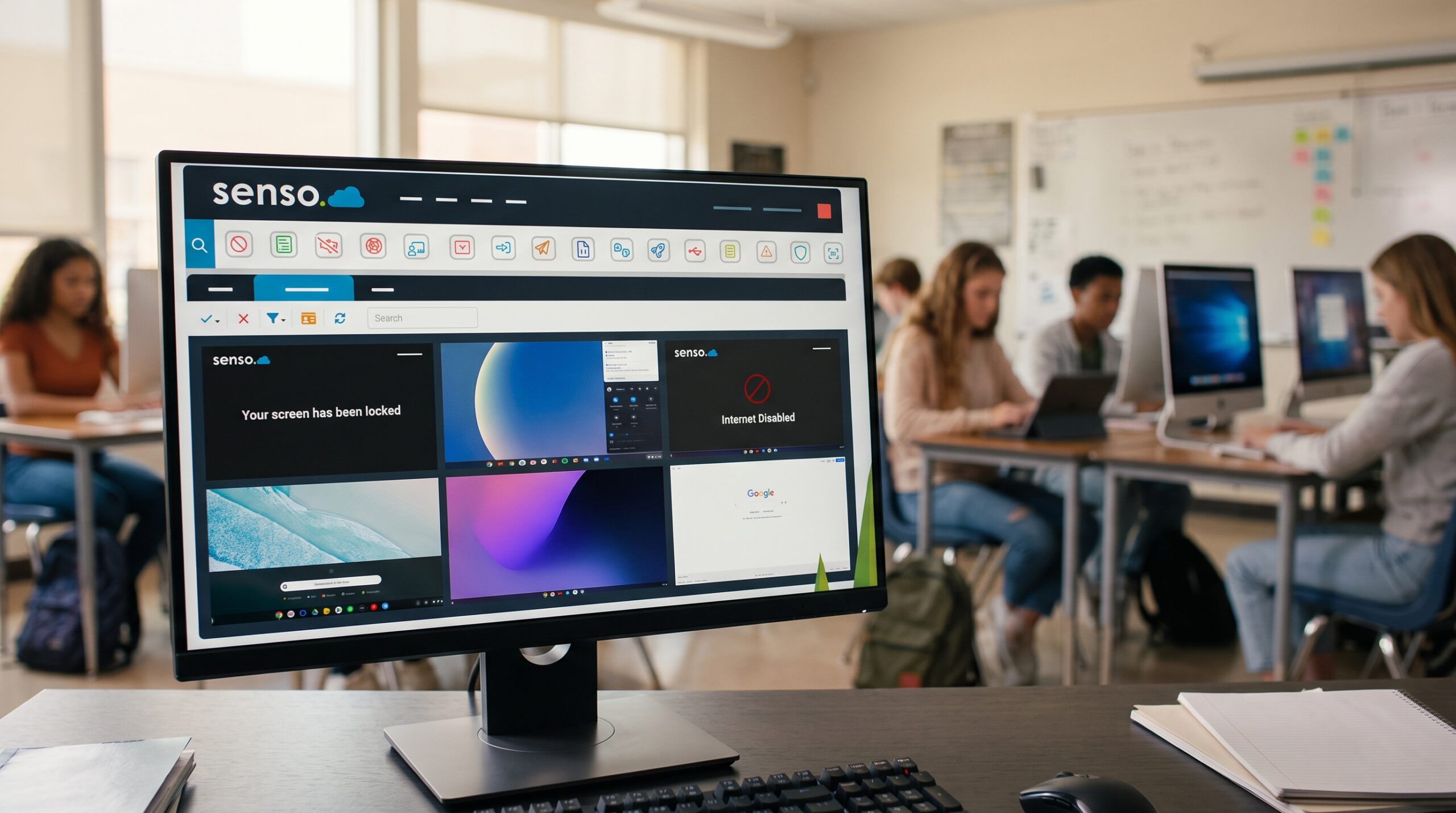

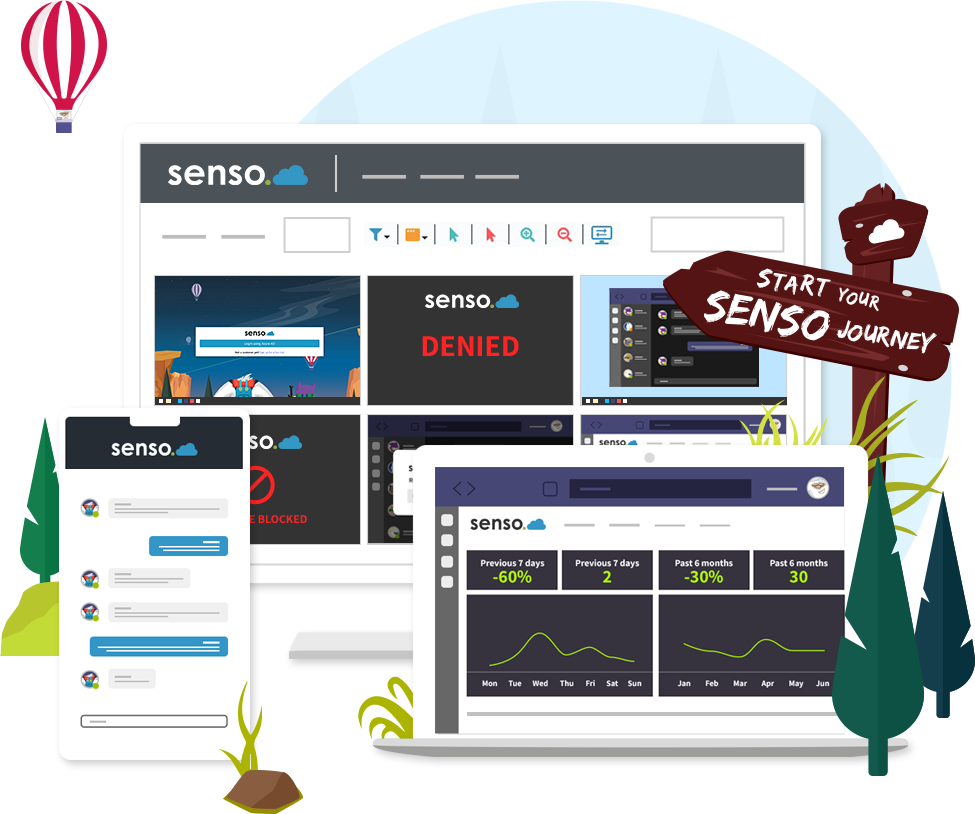
Manage and monitor any Windows, Chromebook, iOS and Mac device from one centralized web portal.
Senso Cloud works for every role in your school
Select your role to see how Senso Cloud helps.
Your whole class at a glance. Focused.
See what every student is doing, take control of a device when someone drifts, and teach from anywhere, so more of the lesson is spent teaching.
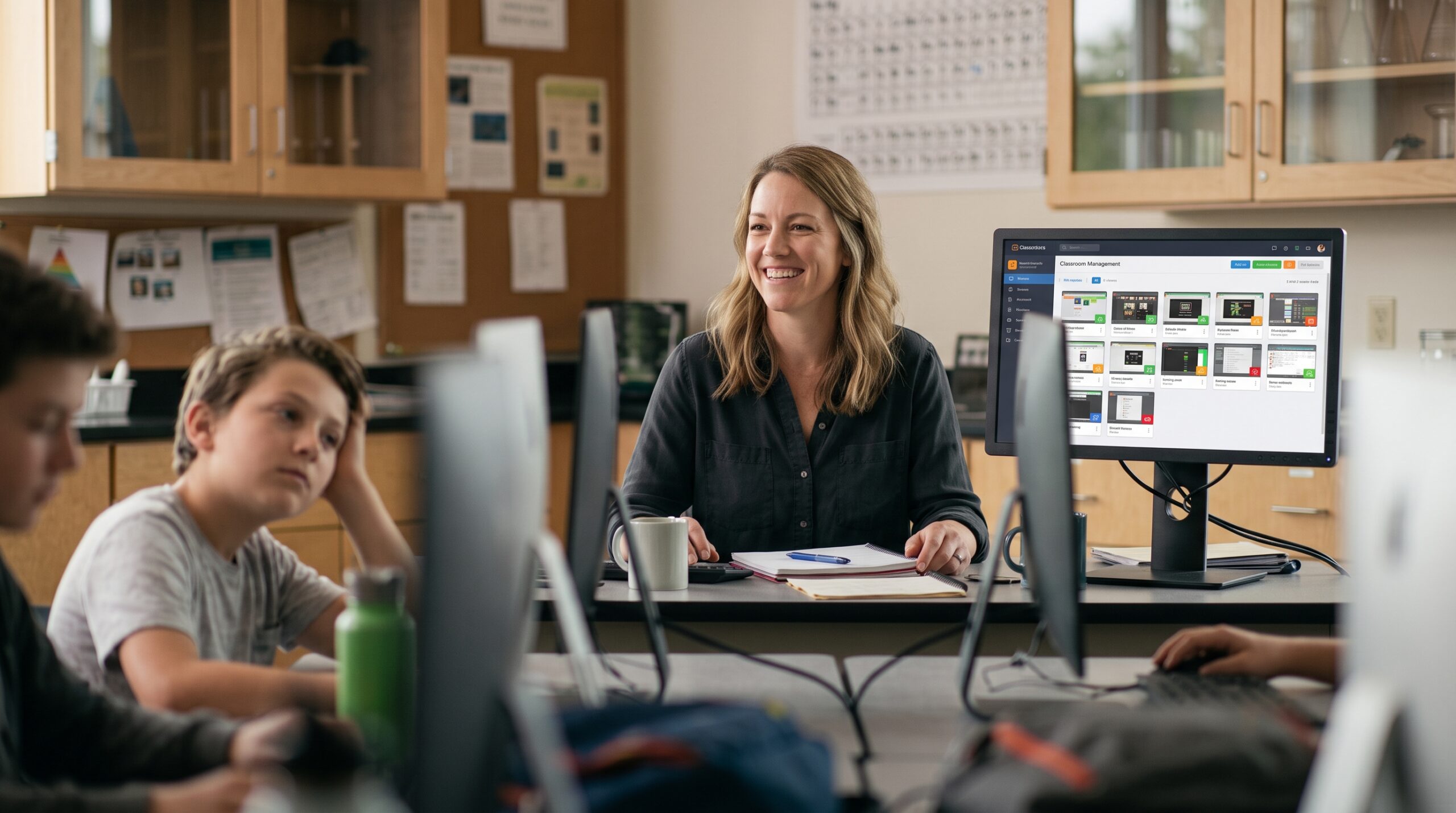
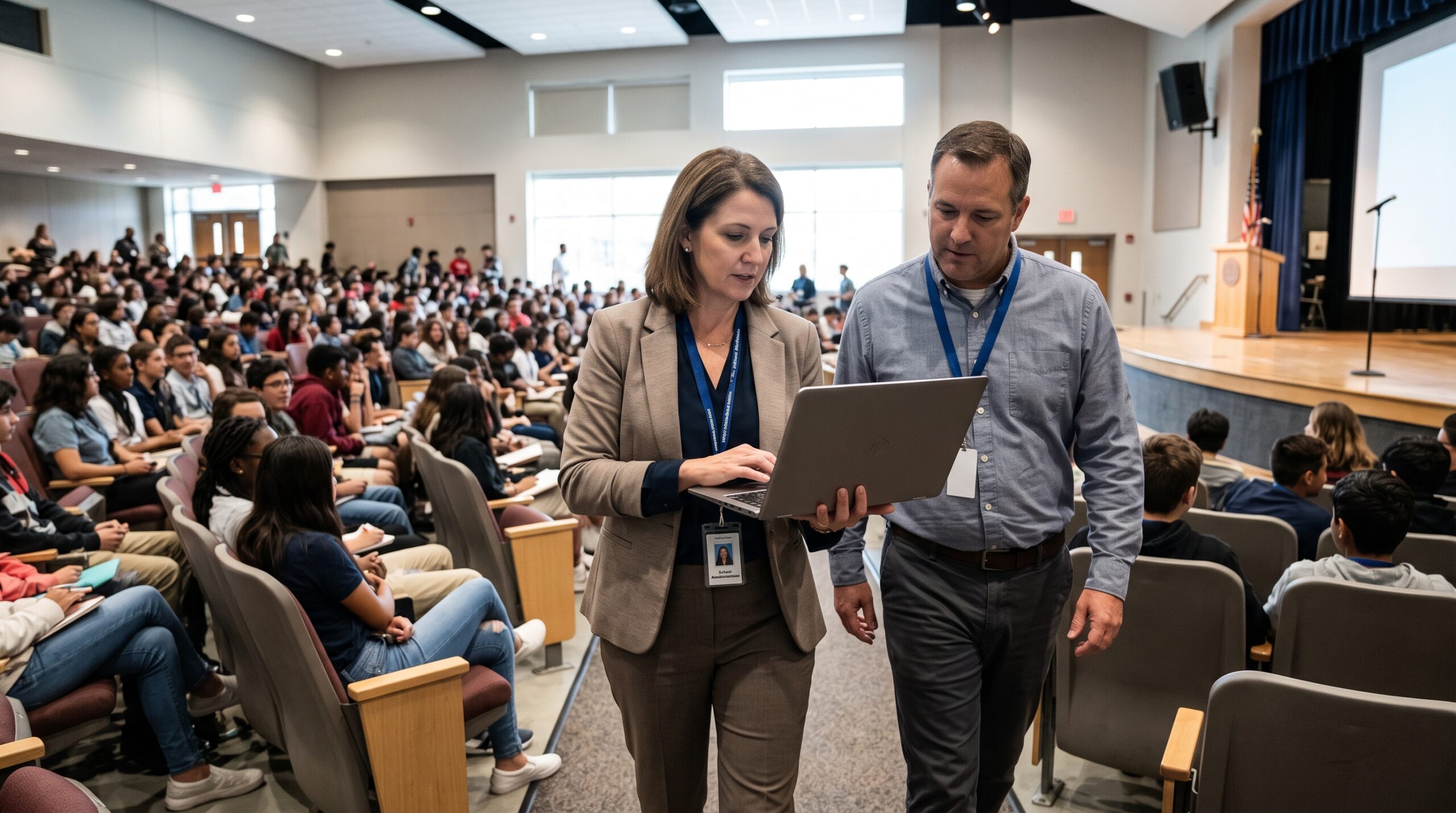
Safer school, simpler tools. Sorted.
Classroom management, student safety and web filtering in one cloud platform, with a clear overview across your school or schools.
Concerns spotted early. Acted on.
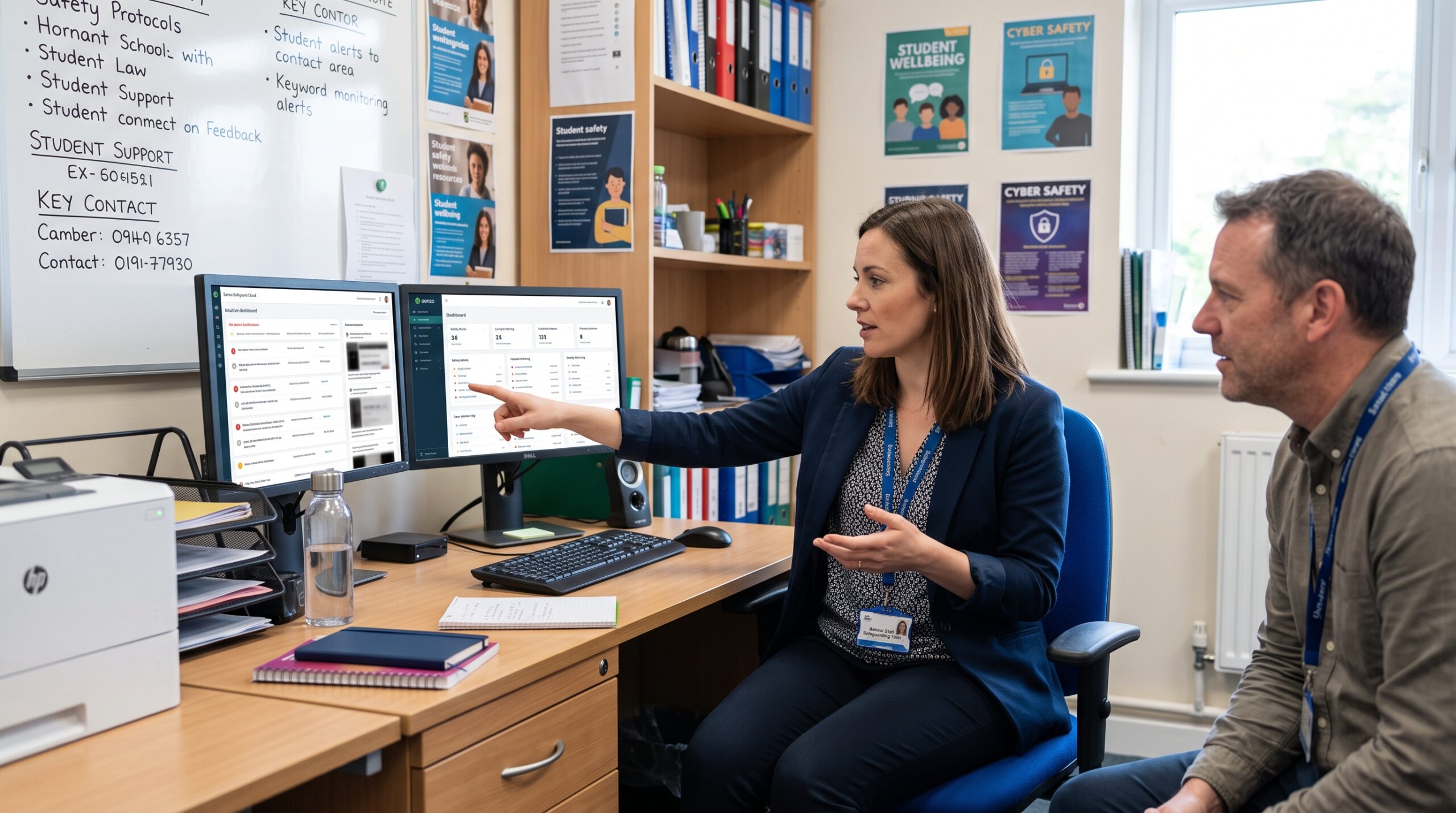
Senso Safeguard Cloud is designed to help prevent bullying and suicide risks, with live alerts, keyword monitoring, website logs and blocks.
Every exam in view. Secure.
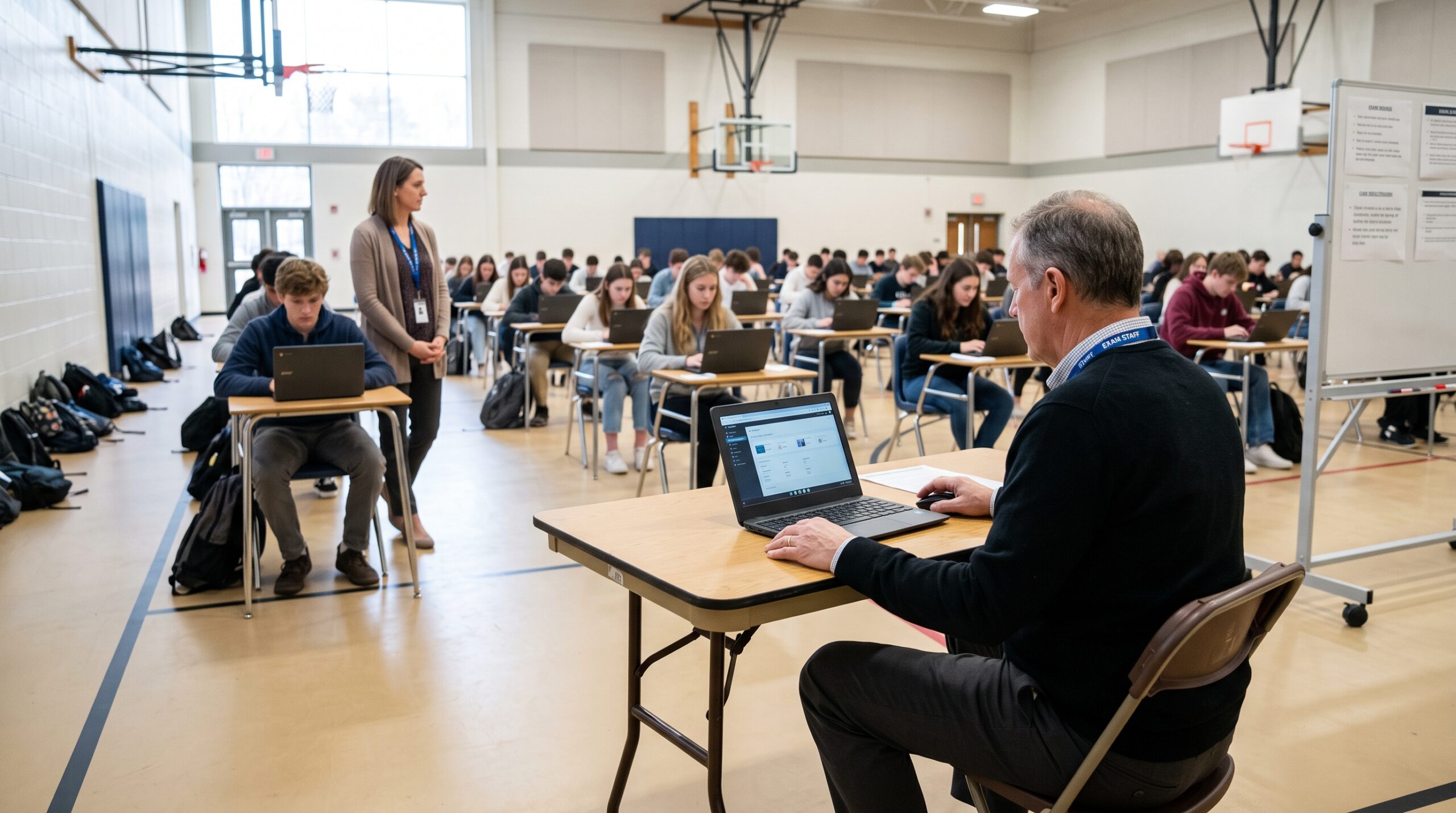
Keep every test session in view. See each student's screen at a glance, restrict what they can open, and step in the moment something looks wrong, in the room or from your desk.
Every device, one portal. Managed.
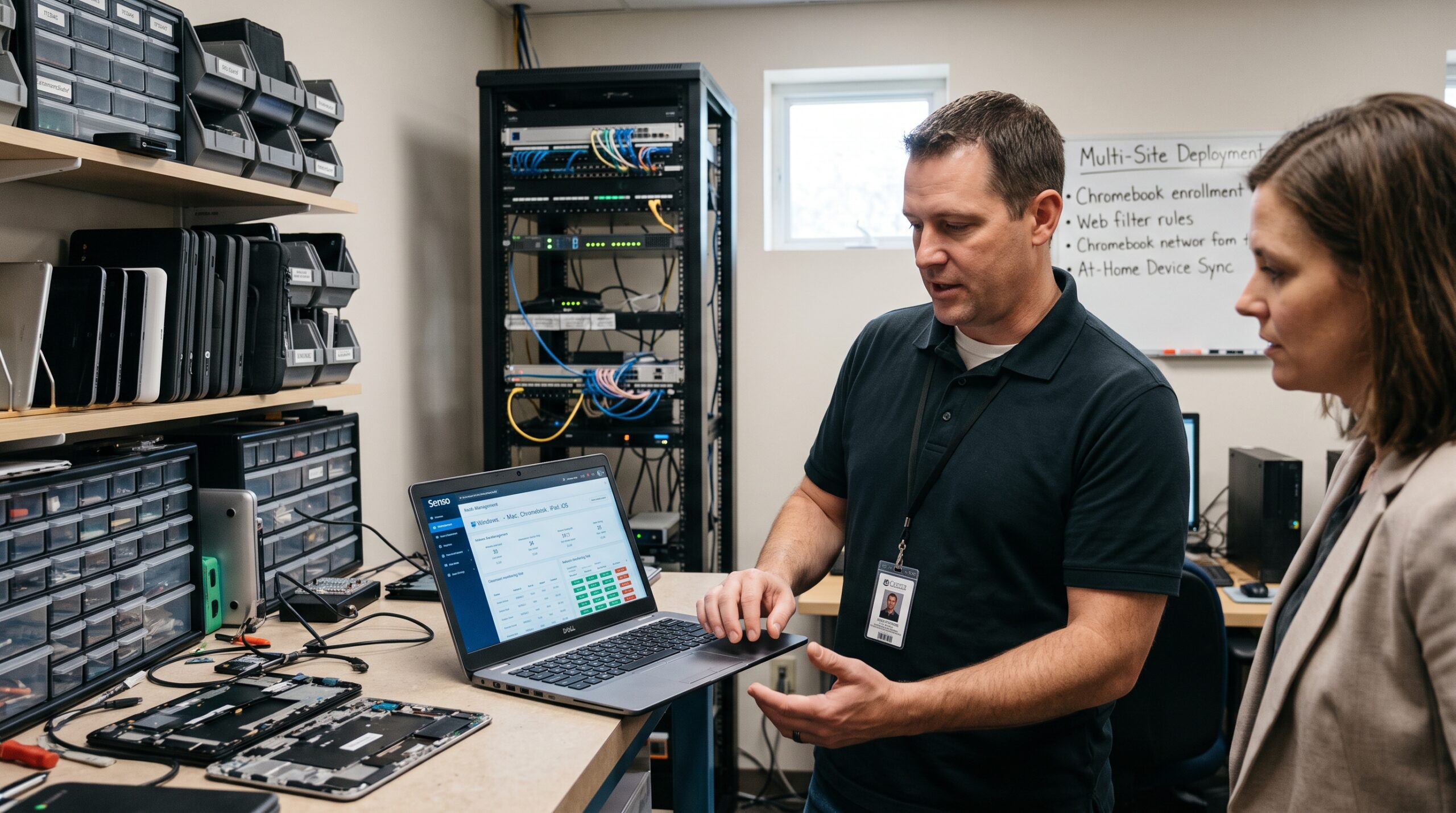
Manage and monitor Windows, Mac, Chromebook, iPad and iOS devices from one centralized web portal, with classroom management, web filtering, and network and asset management in one platform.
The cloud-based platform for device monitoring and management in K-12 schools, colleges and universities
Three products in one web portal. Choose one, or combine them for classroom, student safety, network and asset management.
Senso Class Cloud
Run every lesson from one screen. See who is on task, step in on any device, and teach students at home as easily as the ones in the room.
Senso Safeguard Cloud
Know about a concern the moment it happens. Live alerts, AI visual threat analysis and a screenshot for every violation help staff act early, and read-only logs keep the record intact.
Grade 8, 10:42 amHigh
Grade 6, 10:15 amReview
Grade 9, 9:58 amLogged
Senso Network Cloud
Manage every school device from one console. Plan upgrades from hardware and security reports, fix problems remotely, and power whole rooms on and off.
28 devices onlineRestart
12 devices onlineLog off
0 devices onlineWake-on-LAN
Why schools switch to Senso Cloud
The everyday frustrations schools face, and how Senso answers them.
No servers to run
Senso is 100% cloud-hosted. Manage everything from a browser, with no local server hardware to install or maintain.
Teach students wherever they are
Because Senso runs over the internet, teachers can monitor screens, share links and message students at school or at home.
Every device, one dashboard
One portal manages Windows (including Windows on ARM), ChromeOS, macOS on Intel and Apple Silicon, and iOS and iPadOS 13 and up.
Rosters that update themselves
Senso syncs with Clever, ClassLink, Google Classroom, Microsoft Teams and Microsoft Entra ID, so rosters follow your directory automatically.
Safety built in, not bolted on
Class Cloud, Safeguard Cloud and web filtering live in one portal, with keyword monitoring, AI visual threat analysis and a screenshot for every violation.
Records you can trust
Violation logs are read-only, role-based permissions limit who sees alerts, and filtering is CIPA-aligned. Your district owns its data, and it is never sold.


Classroom management software that keeps every student focused
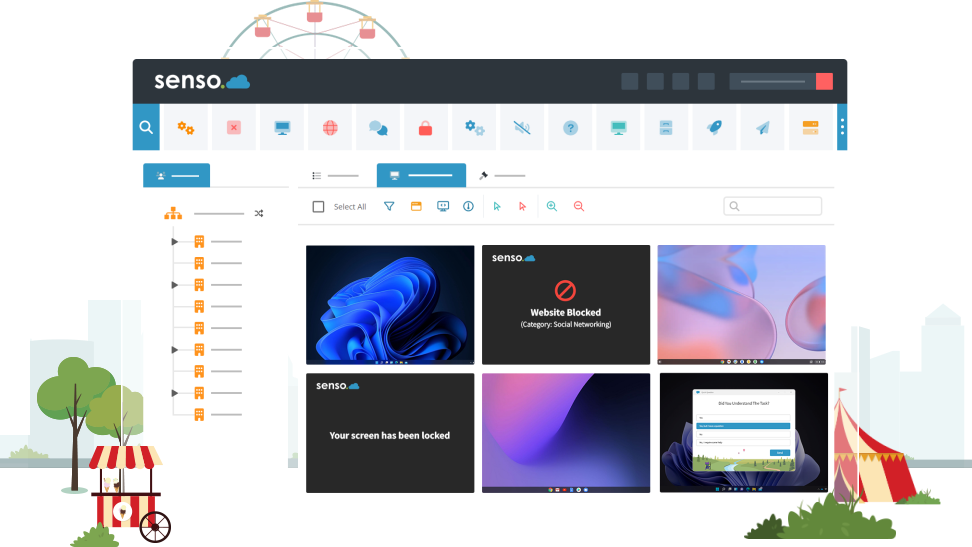
See every device in your class at once, spot who has drifted, and take control of a student's device in a click, so more of the lesson is spent teaching.
- Live thumbnail view of your whole class
- Take control of student devices when required
- Web filtering and internet safeguarding for the class
- Classroom tools to take your lessons to the next level
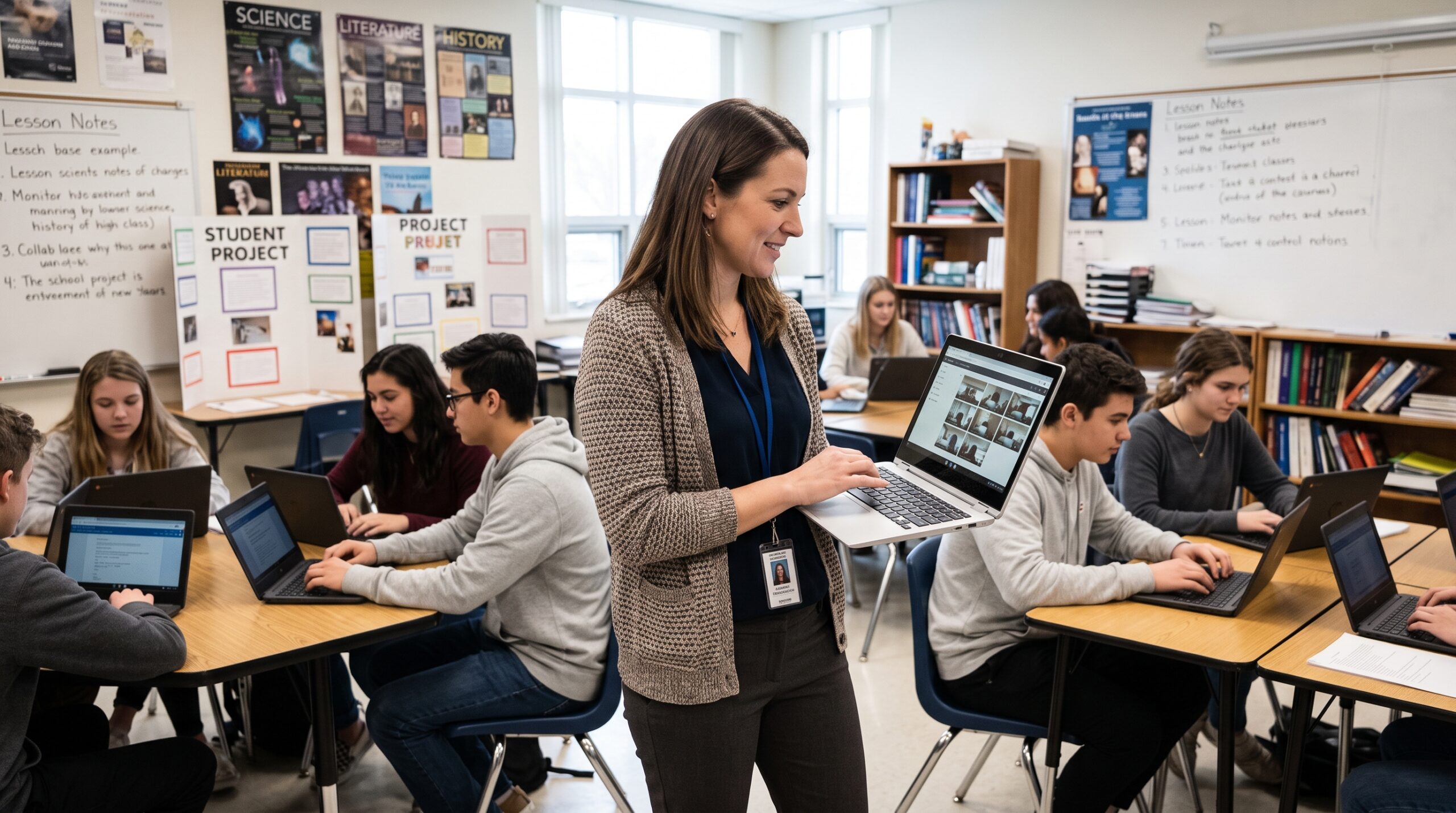
Remote teaching software: teach from anywhere
Include students in the lesson even if they are at home, and use the latest teaching tools from wherever you are.
- Teach from anywhere, to any number of students in any school
- Completely web-based management console
- Works over the internet, so you are never tied to one desk
- Monitoring and safeguarding keep students safe while they learn
Student safety monitoring software that spots concerns early
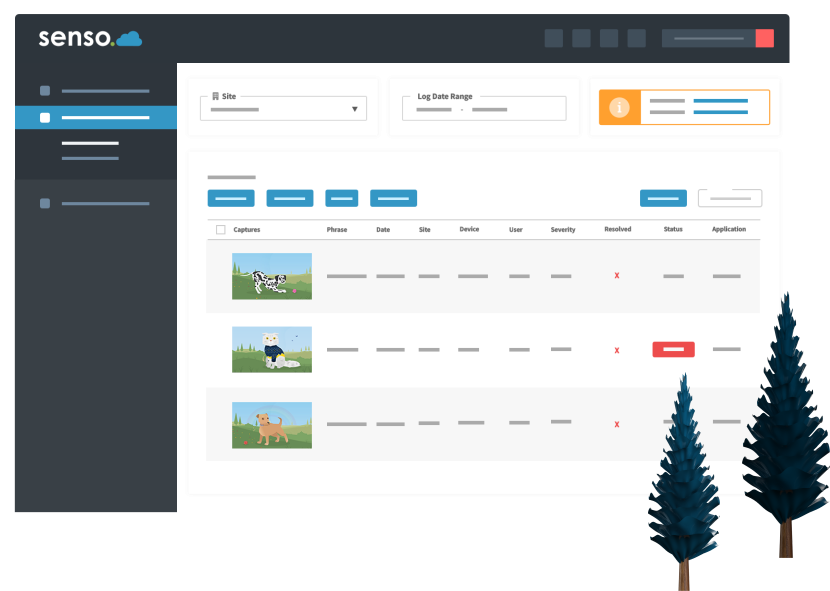
Senso's internet monitoring and student safety software is designed to help prevent bullying and suicide risks, with live alerts, keyword monitoring, website logs and blocks.
- Keyword libraries developed in partnership with expert organizations
- Every violation includes a screenshot
- AI-driven visual threat analysis highlights harmful or inappropriate content
- An intuitive dashboard to prioritize and manage concerns with ease
Works with the tools your school already uses
Sync rosters and groups automatically, and send safeguarding concerns straight to your case management system.

What questions are schools asking about Senso Cloud?
About Senso Cloud
4 questionsWhat is Senso Cloud?
Senso Cloud is an all-in-one cloud platform for device management and student safety in K-12 schools, colleges and universities. It replaces disconnected tools by combining classroom screen monitoring, web filtering, student safeguarding, and IT asset management into a single web portal.
Which devices and operating systems does Senso support?
Senso manages mixed-device fleets from one central dashboard:
- Windows: x86, x64, and Windows on ARM
- ChromeOS: All Chromebooks
- macOS: Intel and Apple Silicon (M-series)
- iOS and iPadOS: Version 13 and up
Do we need on-premise servers?
No. Senso is 100% cloud-hosted with zero local server hardware required, allowing IT teams and teachers to manage everything from a standard web browser.
Can I try Senso before buying?
Yes. Click the request a demo button on this page to request a full-featured trial and test Senso on your school's own devices.
Classroom management
4 questionsCan I teach students who are learning from home?
Yes. Because Senso runs over the internet, teachers can monitor screens, share links, and message remote students just as easily as students sitting in the classroom.
Can Senso be used for exam monitoring?
Yes. During a test, teachers and proctors can see every student's screen with live thumbnails, disable internet access, restrict which apps can be opened, and take control of a device if something looks wrong. Scenes let you save those controls once and reuse them for every exam.
Does Senso include remote control?
Yes. Teachers can take control of a student's device to keep them on task or help them, and IT teams can support school-owned devices remotely, even when no one is logged in, with remote screen, command prompt and task manager tools.
Can Senso block websites and applications?
Yes. Use policies to block websites and applications, allow only the apps a lesson needs, or disable the internet while keeping network functions working. Web and DNS filtering in Safeguard Cloud adds school-wide protection.
Student safety and compliance
3 questionsWhat does Senso Safeguard Cloud do?
Safeguard Cloud protects students online and gives administrators district-wide visibility into digital safety. It uses real-time keyword monitoring, web blocks, and AI visual threat analysis to flag issues like cyberbullying or self-harm, capturing contextual screenshots so staff can intervene early.
How is student data kept secure?
All violation logs are stored in a strict, read-only format so records cannot be altered or deleted. Role-based permissions also ensure staff only see data relevant to their job, keeping sensitive safety alerts restricted to authorized administrators.
Does Senso help with CIPA and FERPA compliance?
Yes. Safeguard Cloud meets CIPA requirements through built-in web and DNS filtering, and supports FERPA compliance with isolated audit logs and strict access controls. Your district retains 100% ownership of its data, and it is never sold.
Setup, rosters and support
3 questionsHow do teacher rosters stay updated?
Senso eliminates manual data entry by auto-syncing with Clever, ClassLink, Google Classroom, Microsoft Teams, and Microsoft Entra ID (Azure AD). When a student switches classes in your directory, your teachers' rosters update automatically.
How long does it take to set up Senso?
Because Senso is cloud-hosted, there is no server to build. Setup is mostly deploying the Senso client to your devices, signing in to the web portal and syncing your rosters. Many schools start with a pilot group before rolling out more widely, and Codework can help you plan the rollout around your device count.
What onboarding and training does the Senso team provide?
Codework coordinates directly with the Senso team on your behalf, including help with installation and configuration, training for your administrators and teachers, and ongoing support after launch.
See Senso Cloud in your classroom
Request a demo and see how Senso keeps students focused and safe, wherever they are learning.
Connect to sales