
Reboot-to-restore software

Faronics Deep Freeze: Unbreakable Workstations on Every Reboot

Make your Windows configurations indestructible. Faronics Deep Freeze™ restores every workstation to its original baseline on restart, wiping away unwanted changes and session threats.
✓63% Fewer Helpdesk Tickets✓10M+ Endpoints Protected
Codework is an authorized Faronics reseller
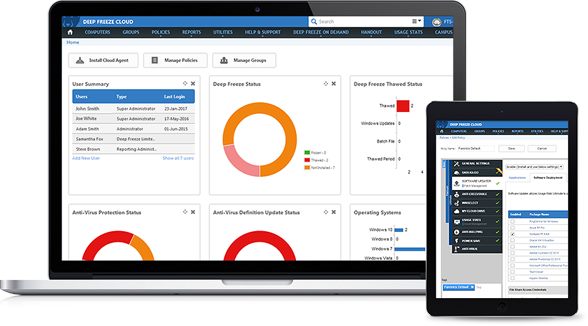
Faronics Deep Freeze Cloud and Windows endpoint management console dashboard showing Frozen workstation status
Runs onWindows 10, 11 & ServermacOS

Watch How Deep Freeze Makes Every Computer Indestructible

One restart ends routine IT troubleshooting and returns every workstation to a clean state.

Who is it for?

Built for Every Shared Environment

Wipe Every Patron Session and Protect Privacy. Automatically.

When a patron walks away, a quick restart erases their documents, logins, and browsing history while undoing any changed settings, so the next patron gets a clean, working computer without staff intervention.

✦ Erase Patron Privacy✦ Auto-Reset on Idle✦ Undo Changed Settings✦ Always-Ready Catalog PCs✦ Wipe Viruses on Restart
Get a Quote for Deep Freeze
Library patron using a public computer at a desk between bookshelves, a computer Deep Freeze resets after every session

Clean Lab Computers Between Every Class. Automatically.

Let students explore, code, and test freely during class while a single reboot restores your pristine Windows setup for the next period.

✦ Reset Between Classes✦ Safe Student File Saving✦ Cloud Drive Sync✦ Lock Input During Updates✦ Fix Missing Shortcuts
Request a Deep Freeze Windows Quote
Students working at computers in a school computer lab while a teacher helps, labs Deep Freeze restores between classes

Keep Shared Clinical Terminals Ready for Every Shift. Continuously.

Ensure nursing stations, medical carts, and check-in kiosks start every shift with a clean, compliant Windows configuration and zero leftover patient data.
✦ Clean Shift Handoffs✦ Clear Session Data✦ Keep Audit Logs✦ Off-Hours Patching✦ 60-Second Cart Recovery
Speak with a Deep Freeze Reseller Specialist
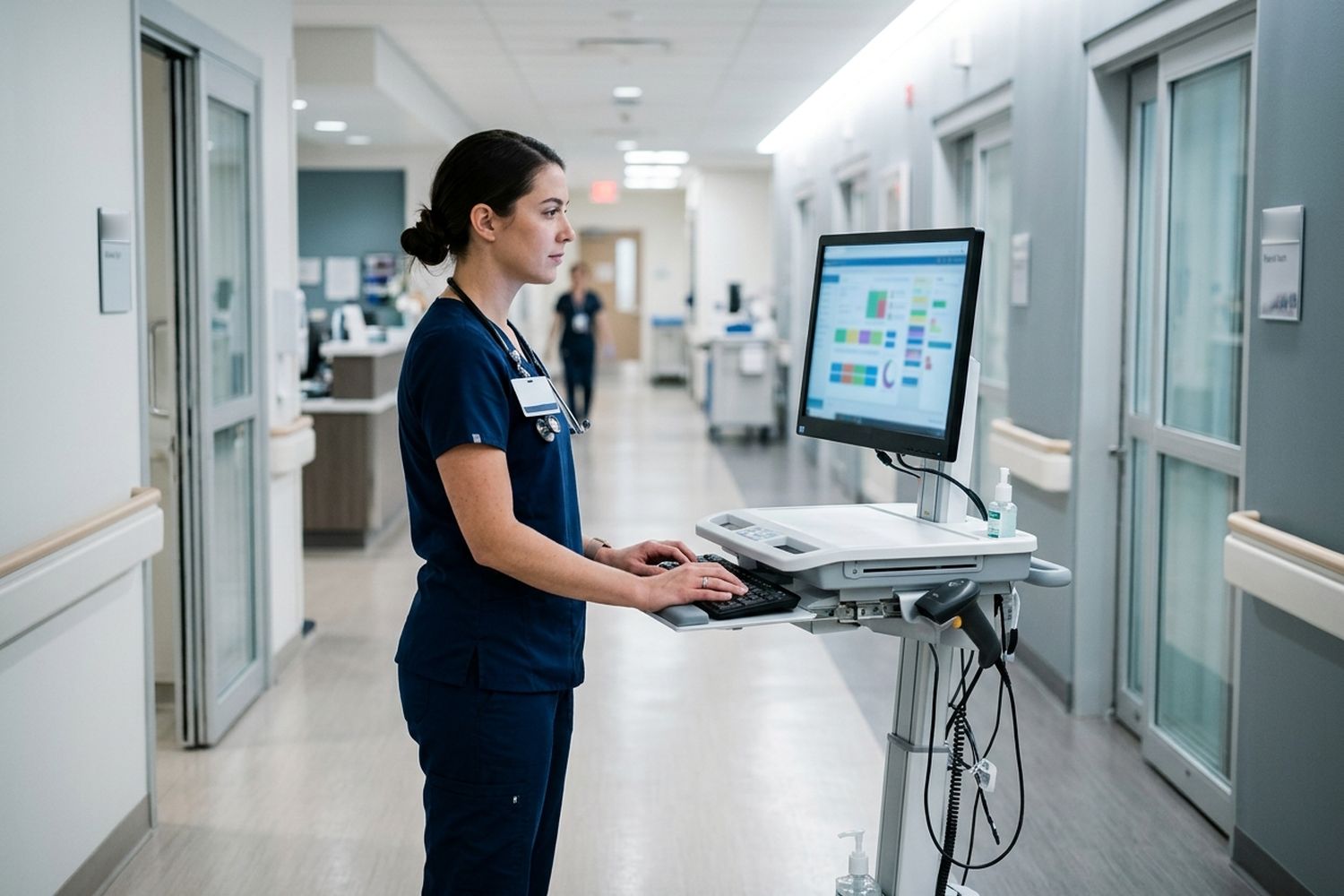
Nurse using a computer on a rolling cart in a hospital corridor, a shared clinical terminal kept clean by Deep Freeze

Keep Shared Training and POS Computers Identical. Permanently.

Keep training rooms, call centers, and point-of-sale terminals running at day-one speed without sending technicians on-site to reimage computers between sessions.

✦ Ready for Every Cohort✦ Multi-Site Control✦ 1-Click Remote Unlock✦ Built-In Remote View✦ Day-One PC Speed
Request a Deep Freeze Windows Quote
Employees at identical computers in a corporate training room with an instructor at the front, kept consistent by Deep Freeze

Cut Endpoint Helpdesk Tickets by 63%. Immediately.

Replace 90-minute reimaging tickets with a 60-second restart, and manage thousands of Frozen endpoints from the cloud, on-premise console, or RMM scripts.

✦ Cloud & On-Prem Console✦ Cached Windows Updates✦ Intune & SCCM Scripting✦ Active Directory Sync✦ 1 TB ThawSpace™ Drives
Start a Free Trial
IT administrator managing hundreds of endpoints on dual monitors at a desk in an IT office, using Deep Freeze

Why 30,000+ Organizations Rely on Deep Freeze
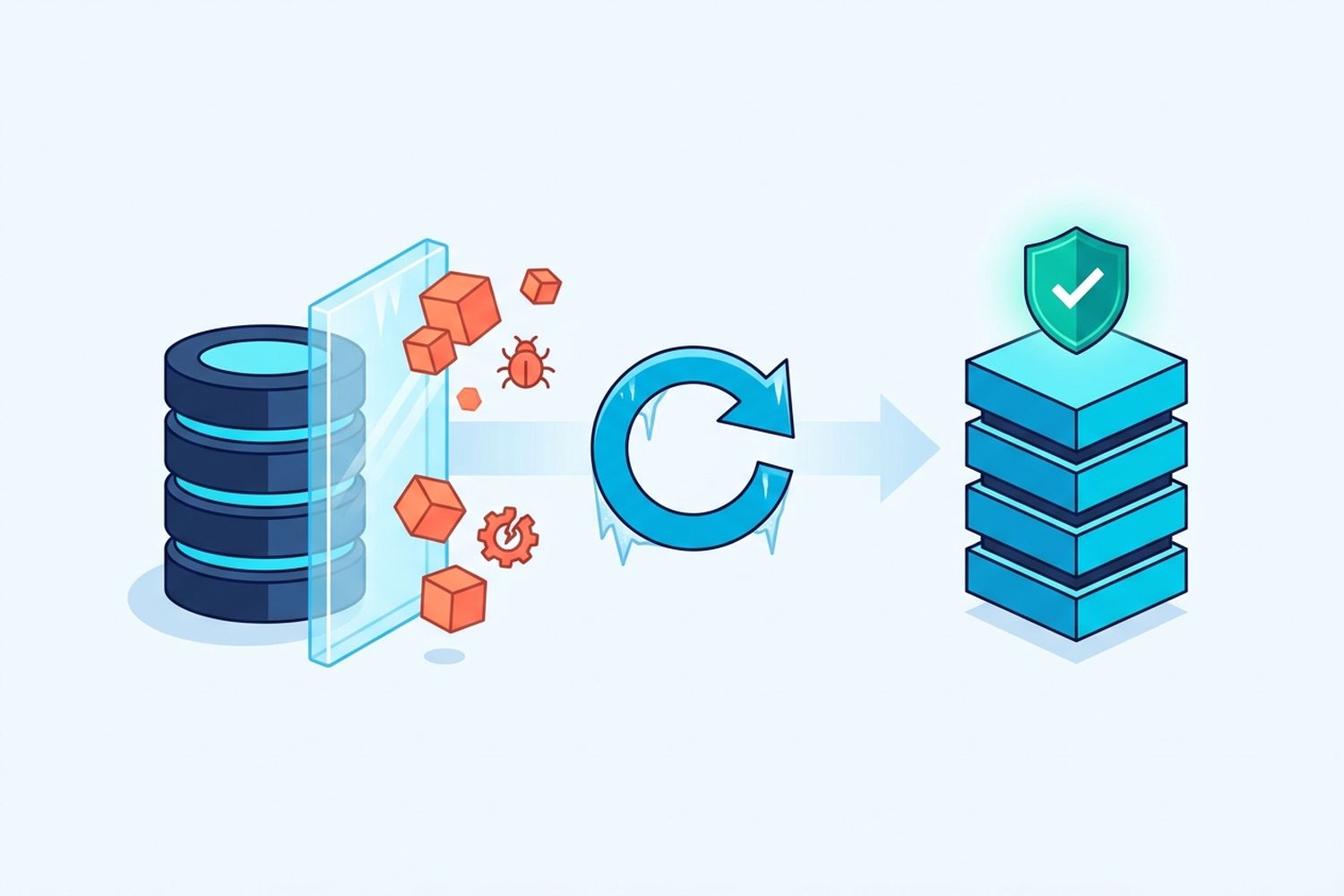
Illustration of Deep Freeze blocking malware and unwanted changes on a database, then restoring a clean, protected system on reboot

100% Recovery on Every Reboot

Ensure 100% system availability with instant recovery from ransomware, malware, and accidental system misconfigurations. Deep Freeze intercepts changes at the kernel allocation table and discards them completely on restart.

Cut Helpdesk Tickets by 63%, Without Losing User Files

Resolve everyday software complaints in seconds with a simple reboot instead of reimaging. Users never lose approved work thanks to persistent ThawSpace™ virtual drives, Data Igloo™ folder redirection, and Cloud Sync for Google Drive, OneDrive, and Dropbox.

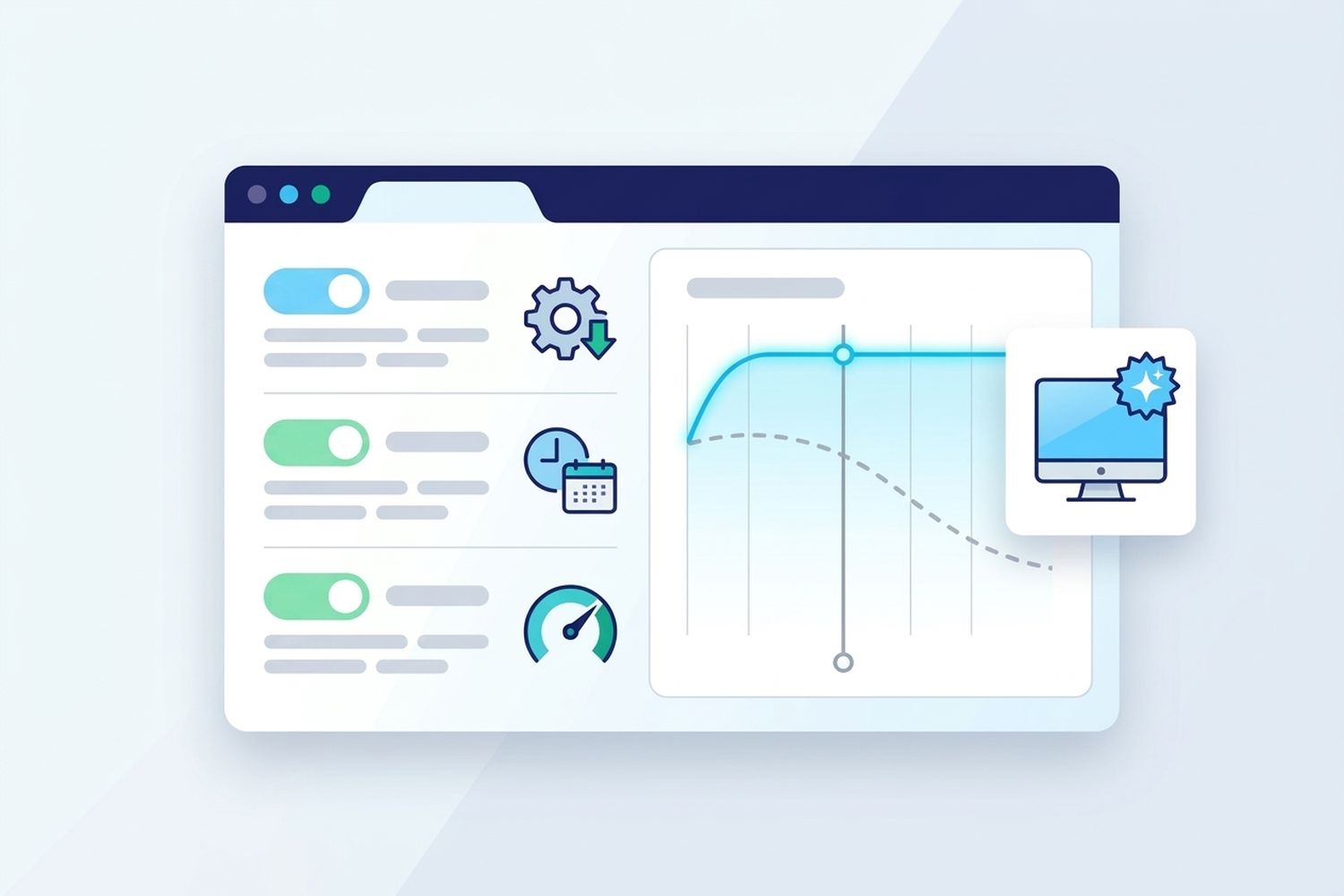
Illustration of Deep Freeze protecting a workstation while user files sync safely to the cloud through ThawSpace and Cloud Sync
Illustration of a Deep Freeze dashboard with scheduled updates and performance staying at day-one level on a refreshed computer

Maximize Your Hardware Investment

PC performance degrades over time as temporary clutter and registry drift pile up. Deep Freeze restores devices to peak day-one performance on every restart, extending hardware lifecycles and delaying costly PC replacements.

Faronics Deep Freeze logo

Key Features That Streamline IT Operations

Reboot to Restore

Eliminate workstation damage by automatically returning computers to their pristine configuration on every restart.

ThawSpace™

Create persistent storage areas that retain designated user data between restarts while the system stays protected.

Scheduling & Windows Updates

Schedule unattended maintenance windows, Windows updates, and restarts during off-hours to minimize disruption.

Cloud & Enterprise Console

Manage, freeze, and thaw all endpoints from an on-premise console or a central cloud console from anywhere.

Workstation Grouping

Organize and manage computers in logical groups for effortless policy administration across rooms or sites.

Enterprise Integration

Seamlessly integrate with Active Directory, SCCM, Intune, and KACE using built-in command-line controls.

Flexible Licensing for Any Fleet Size

Codework provides fast quotes and trials across all three Faronics editions.

Deep Freeze Standard
1 to 10 standalone PCs
Deep Freeze Cloud
Multi-site networks, schools & hybrid IT
Deep Freeze Enterprise
10 to 10,000+ PCs, on-premise or hybrid
Reboot-to-Restore protection
ThawSpace™ persistent drives
Central management console
None, runs on each PC
Cloud, web & mobile app
On-premise, plus free Cloud Connector
No server to install
–
Cloud Sync (Google Drive, OneDrive, Dropbox)
–
–
Third-party app patching
–
Premium and up
–
Kiosk lockdown (WINSelect™)
–
Premium and up
–
Active Directory integration
–
Ultimate
Remote control, patch management & software deployment
–
Ultimate
–
Command-line control for Intune, SCCM & KACE
–
–
Custom installer builder
–
–

Frequently Asked Questions

What is Faronics Deep Freeze, and how does it work?

Faronics Deep Freeze is patented reboot-to-restore software that makes Windows and Mac configurations indestructible. Instead of overwriting your hard drive during a session, Deep Freeze redirects all changes to temporary disk space and discards them when the computer restarts, returning the machine to its exact original state in seconds.

Who is Faronics Deep Freeze built for?

Deep Freeze is built for any organization managing shared or public-access computers, including public libraries, K-12 schools, universities, healthcare clinics, corporate training labs, and retail kiosks. It lets patrons, students, and staff use computers freely without the risk of permanent system damage, changed settings, or leftover personal files.

Can users still save files on a Frozen computer?

Yes. While the system drive resets on reboot, administrators can create persistent ThawSpace™ storage folders (up to 1 TB), redirect user profiles with Faronics Data Igloo™, or save files to network drives. With Deep Freeze Cloud, Cloud Sync also backs up user files directly to Google Drive, Microsoft OneDrive, or Dropbox.

Does Deep Freeze protect against ransomware, malware, and viruses?

Yes. Deep Freeze removes all unauthorized software changes, including ransomware, viruses, spyware, and accidental downloads, upon reboot, guaranteeing a clean and secure system after every restart.

Can administrators temporarily disable (Thaw) Deep Freeze for updates?

Yes. Administrators can Thaw devices remotely from the Cloud or Enterprise Console, locally via the Ctrl+Alt+Shift+F6 shortcut, or through command-line scripts (DFC.exe). Once permanent software installs or updates are complete, a single click re-enables Frozen protection.

How does Deep Freeze handle Windows Updates on Frozen computers?

Deep Freeze downloads Windows Updates in the background while workstations are Frozen, storing them in a dedicated 10 GB ThawSpace cache. During scheduled off-hours maintenance windows, computers automatically boot Thawed with the keyboard and mouse locked, install the updates, and reboot back into a Frozen state.

Can Deep Freeze be used on both Windows 11 (including ARM) and Mac?

Yes. Faronics Deep Freeze supports Windows 11 (including 24H2, 25H2, and Windows on ARM64), Windows 10, Windows Server, and macOS, allowing you to protect mixed computer fleets under one workflow.

What is the difference between Deep Freeze Cloud, Enterprise, and Standard?

Deep Freeze Standard protects 1 to 10 standalone PCs locally without a central console. Deep Freeze Enterprise adds an on-premise central console, Active Directory sync, custom installer creation, and RMM scripting for 10 to 10,000+ PCs. Deep Freeze Cloud moves management to a web browser and mobile app while adding optional modules for third-party patching, Cloud Sync, and kiosk lockdown.

How does Deep Freeze compare to Microsoft Unified Write Filter (UWF) or reimaging?

Unlike network reimaging, which takes 45 to 90 minutes per PC, Deep Freeze restores workstations in the time of a normal restart. Unlike Microsoft UWF, which requires Windows Enterprise/Education editions and crashes when its RAM overlay fills up, Deep Freeze runs on Windows Pro, Enterprise, and Education with zero RAM overhead and a dedicated management console.

How do I get a quote for Faronics Deep Freeze for Windows or start a free trial?

Faronics Deep Freeze is licensed per workstation across Standard, Enterprise, and Cloud editions. Click Get a Quote on this page and Codework will send a tailored Deep Freeze Windows quote within one business day, or start a full-featured 30-day Deep Freeze free trial.

Faronics®, Deep Freeze™, ThawSpace™, Data Igloo™, and WINSelect™ are trademarks and/or registered trademarks of Faronics Corporation.

Ready to Make Your Workstations Indestructible?

Get a fast Faronics Deep Freeze for Windows quote or start your 30-day free trial with Codework.

Get a Quote Start a Free Trial