NetSupport School classroom management software
Monitor every student screen, cut out distractions, and teach, quiz and support your whole class from one console, on Windows, Mac, Chromebook, iPad and Android.
Get a Quote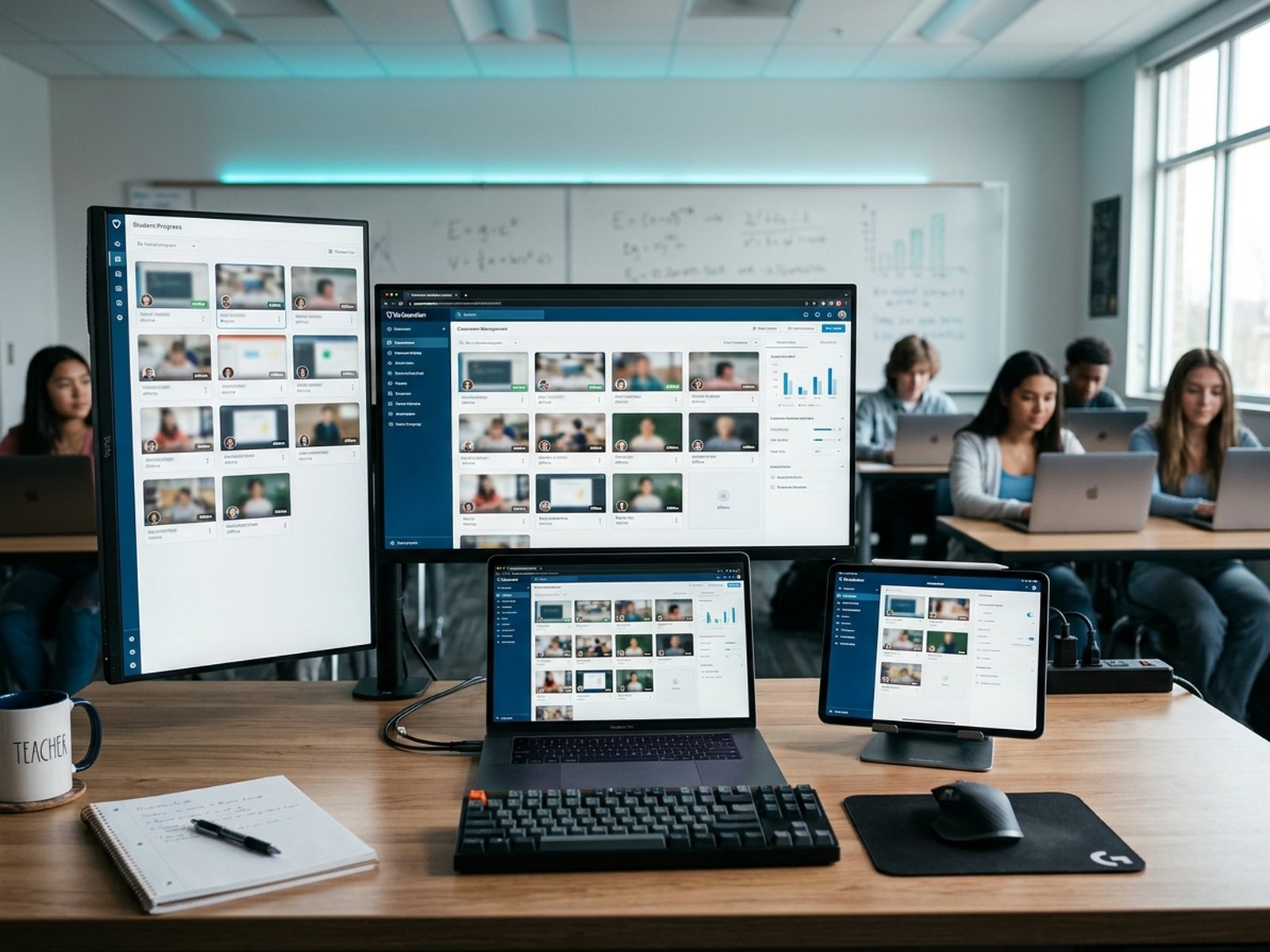
NetSupport School works for every role in your school
Select your role to see how NetSupport School helps.
Your whole class at a glance. Focused.
See every student screen in real time, lock attention with one click, and get the whole class to the same website or app in seconds, so lessons start on time and stay on task.

Every classroom device, one console. Managed.
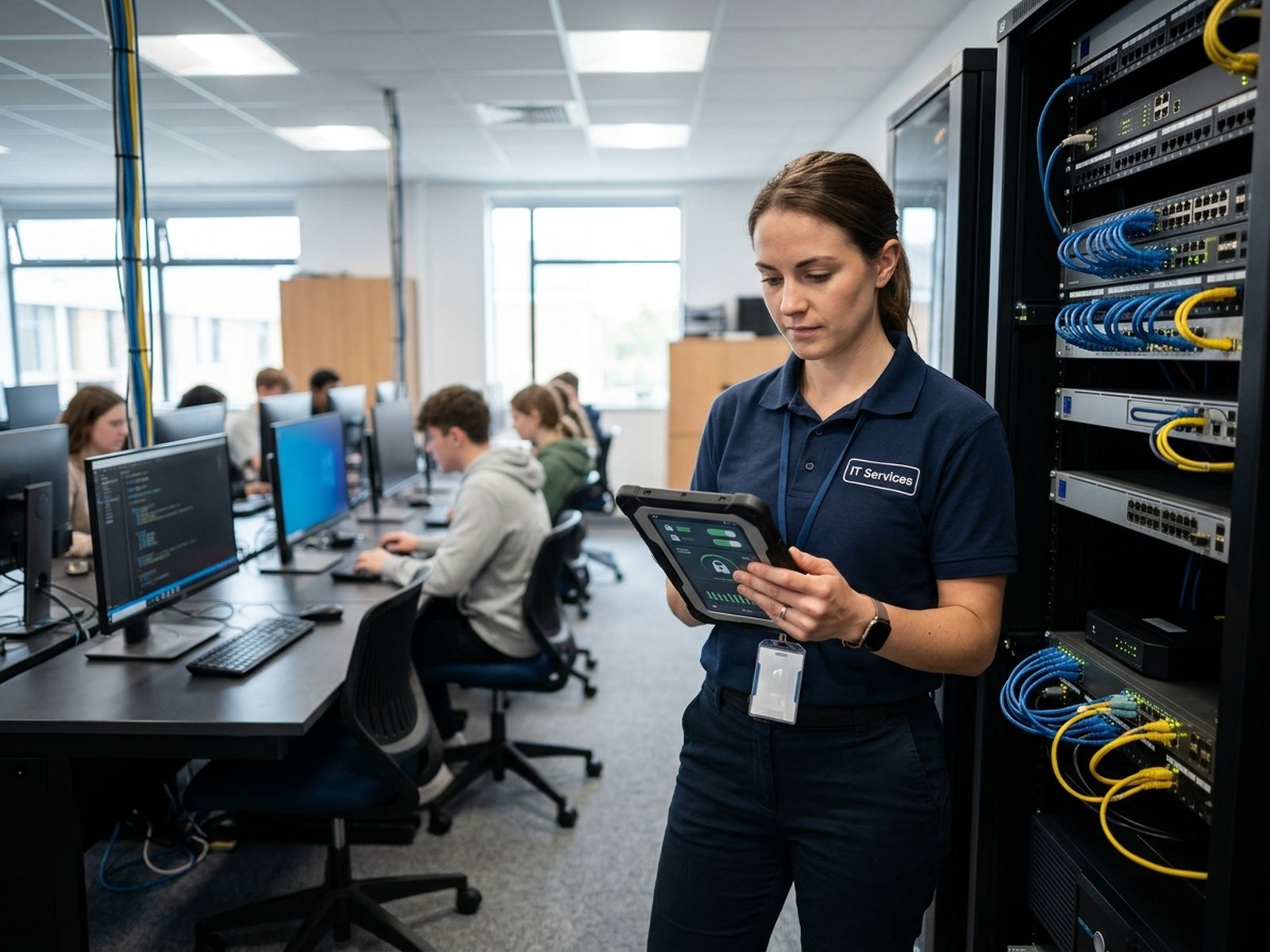
The dedicated Technicians' Console gives IT 1:1 remote control of any classroom PC, school-wide "always on" internet and app restrictions, and fast ways to help teachers without walking the halls.

More teaching time, predictable costs. Sorted.
Give every teacher a tool they'll actually use, backed by free training, real-person support, no implementation fees, and perpetual licensing options that keep budgets predictable.

Check understanding in real time. Measured.
Build tests with text, image, audio and video questions that mark themselves, run instant surveys, and gamify revision with the Q&A module, while restricting what students can open during the session.
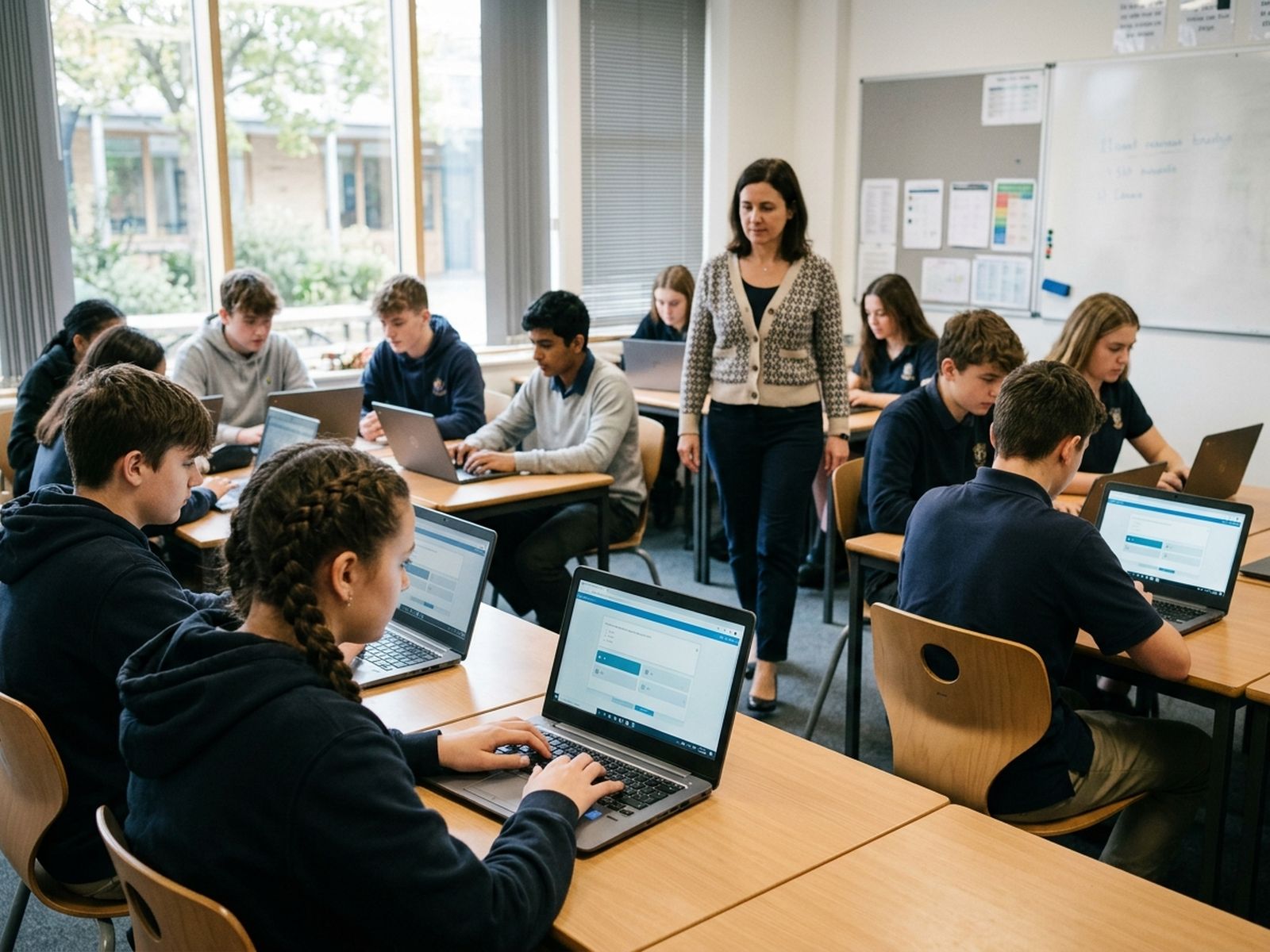
Labs and training rooms that run themselves. Delivered.
Run computer labs, language labs and instructor-led training sessions with screen broadcast, audio support, file distribution and lesson plans that reload automatically.

Classroom management software, on-premise or in the cloud
Choose the deployment that fits your network, or combine both.
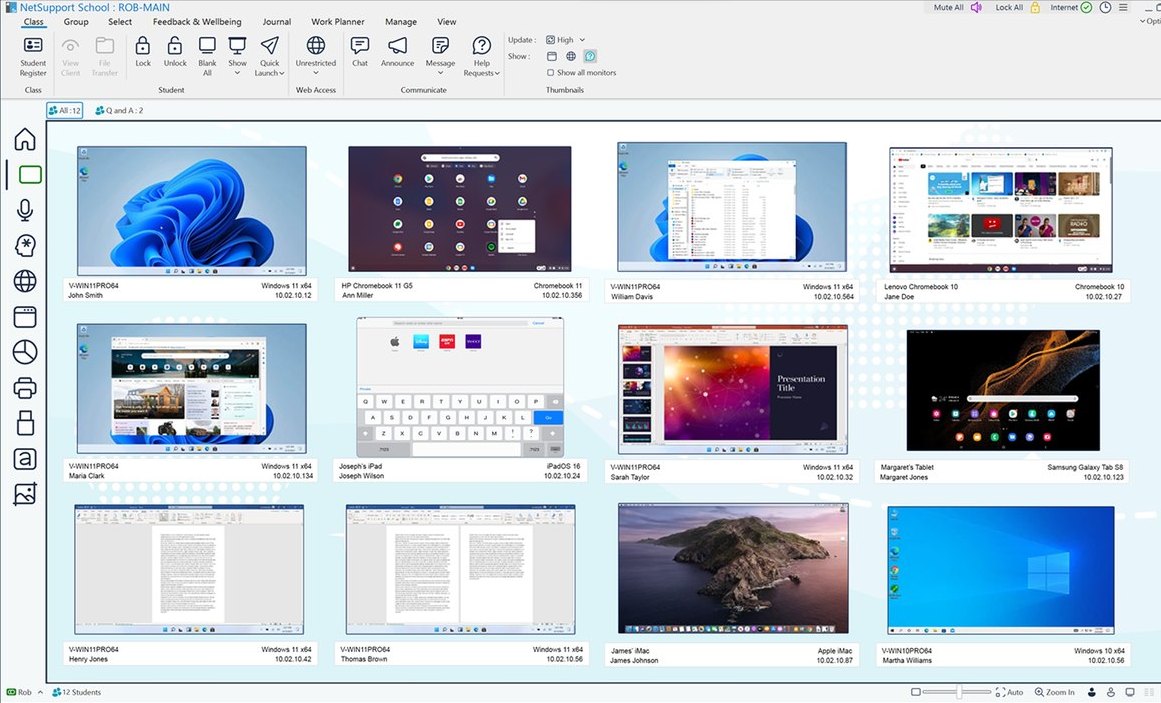
NetSupport School
The full-featured on-premise classroom management suite.
- Monitoring, control, instruction and assessment in one console
- Fast, low-latency screen sharing over your school network
- Testing, Q&A module, Student Journal and language lab
- Technicians' Console for IT teams
- Perpetual "buy once, own forever" licensing options
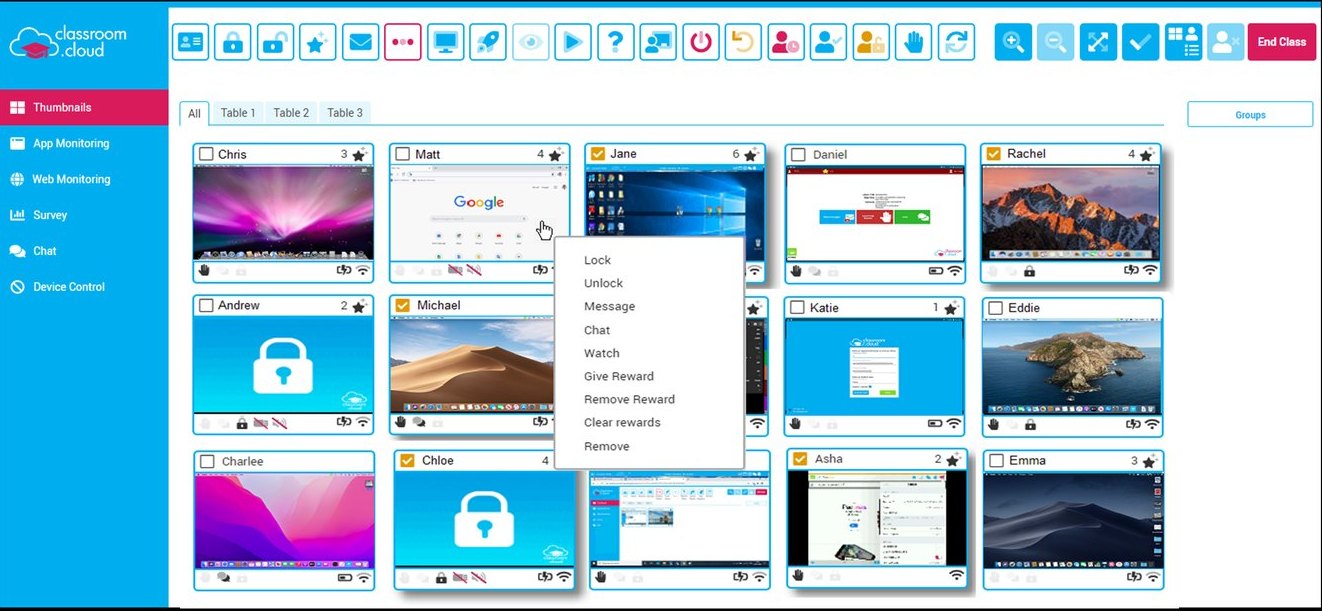
classroom.cloud
Cloud-based classroom management, online safety and IT management.
- Web console with no on-site servers
- Teach students in class or at home
- Optional online safety and keyword monitoring tier
- Technician toolkit for device inventory
- Simple per-device annual subscription
Why schools switch to NetSupport School
The everyday frustrations schools face, and how NetSupport School answers them.
Screens that keep up with the room
NetSupport School runs on your own network, with a backup server to keep the class connected.
Teachers use it every period
Three modes, Easy, Intermediate and Advanced, let teachers start simple and grow.
Get the first 10 minutes back
Connect the room in seconds, reset a password, and open one website on every screen.
Students stay in the lesson
Approved-only web and app lists, USB and webcam blocking, and keyword highlighting keep students on task.
More in the box than most tools
Tests, Q&A games, surveys, a whiteboard and a language lab are all built in.
Real people when you need help
Support and training are free, and Codework is with you from quote to renewal.
Student screen monitoring that keeps every learner on task
Adjustable thumbnails show every student screen, even dual monitors, along with the apps and websites they're using, what they're typing, and who they're chatting with.
- Live thumbnails with zoom and 1:1 remote control
- Approved and restricted app and website lists, saved as reusable profiles
- Keyboard monitoring with target and inappropriate word highlighting
- Full history of application and internet use per student

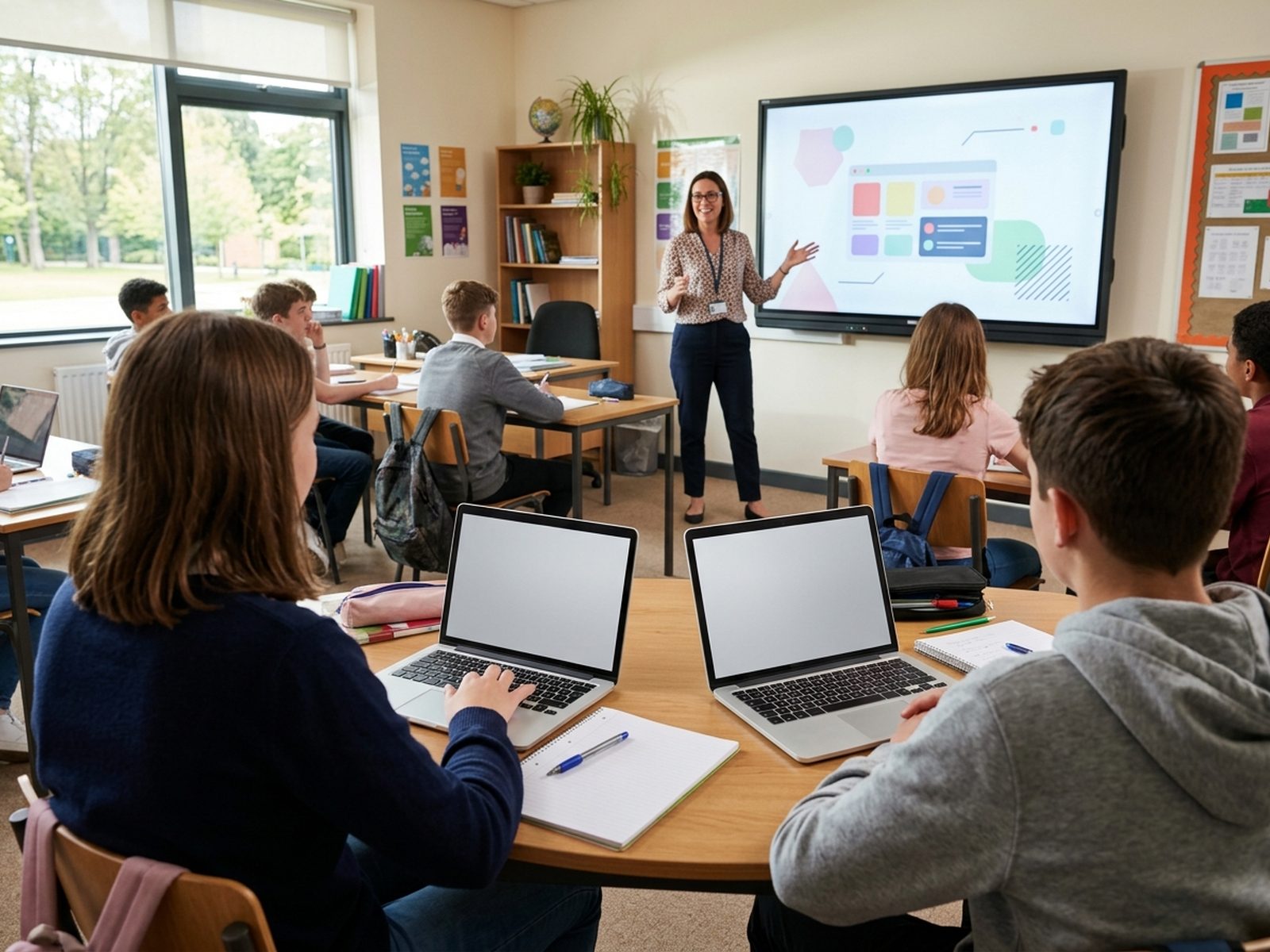
Teach, collaborate and assess from one classroom console
Run the whole lesson from one place: share screens, annotate, collaborate and check understanding without switching tools.
- Share your screen, a student's screen, a video or a Replay recording
- Interactive virtual whiteboard, annotation tools and group leaders
- Self-marking tests, surveys and the gamified Q&A module
- Student Journal captures notes, results and rewards for revision
Computer lab management and security, built in
Give IT one console for every classroom device, with the security and controls schools need built in.
- Technicians' Console with school-wide "always on" restrictions
- Connect by room, PC, user, browse or SIS mode
- Block USB drives and webcams, and control printing by student or page count
- AES-encrypted Connectivity Server with backup server support
NetSupport School: a teacher's guide
A full 1 hour 45 minute tour of the console. Follow the timeline below to see what each part covers.
Works with the tools your school already uses
Sync rosters, support every device and extend NetSupport School with add-ons.
 ClassLink OneRoster
 Google Classroom
What questions are schools asking about NetSupport School?
What is NetSupport School?
NetSupport School is classroom management software from NetSupport Ltd. It helps teachers monitor student screens, control devices, deliver lessons and assess understanding across Windows, Mac, Chromebook, iPad and Android.
How much does NetSupport School cost?
Pricing is based on the number of student devices you need to manage, with perpetual "buy once, own forever" and subscription options. There are no implementation fees, and support and training are free. Codework can provide a quote, including volume and multi-site pricing.
Which devices does NetSupport School support?
Windows (Tutor, Tech Console and Student), macOS, Chromebook (Chrome Student extension and Tutor for Chrome), iPad/iOS, Android, and thin client/VDI environments such as Citrix and RDS.
Is NetSupport School cloud-based?
NetSupport School runs on your school network. For a cloud-hosted option, NetSupport offers classroom.cloud.
Does NetSupport School work with Chromebooks?
Yes. Students connect through the NetSupport School Student extension, and teachers can manage them from Windows, Mac or a Chromebook.
Does it include student safety features?
Yes. It includes keyword monitoring, wellbeing check-ins, logged chats, help requests, and website and app restrictions. For school-wide safeguarding, it pairs with NetSupport DNA.
How does NetSupport School compare to LanSchool or GoGuardian?
NetSupport School is known for its depth: testing, Q&A, language lab and a dedicated Technicians' Console, plus perpetual licensing. GoGuardian is Chromebook and cloud-first, and LanSchool offers local and cloud versions. Codework resells all three and can help you compare.
Can we try NetSupport School before buying?
Yes. Request a free trial on this page to test it on your own classroom devices.
See NetSupport School in your classroom
Request a free trial or get a quote from Codework for single classrooms, whole schools or multi-site districts.
Get a Quote